Open a STEP file in your browser
View .step, .stp and .iges CAD files without installing anything. The file is read on your own machine and never uploaded.
Drop your STEP file here
Runs entirely in your browser. Your file is never uploaded, and there is no sign-up.
How to open an STEP file online
- Drop your .step or .stp or .iges or .igs file onto the viewer, or click to browse for it.
- The file is parsed on your own machine and rendered straight away.
- Explore it from any angle. On a phone, use the AR button to place it at real size.
What a STEP file is
STEP (ISO 10303) is the neutral exchange format for CAD. SolidWorks, Fusion, Onshape, Inventor, Creo, CATIA and FreeCAD all read and write it, so it is what a supplier sends when they do not know which CAD tool you use. Unlike STL or OBJ, a STEP file does not store triangles. It stores the exact mathematical surfaces of each part: planes, cylinders, cones and freeform surfaces, with their edges.
That precision is why a machinist wants STEP and not STL. It is also why most viewers cannot open it: to draw a STEP file on screen, software has to turn those exact surfaces into triangles first, and that needs a CAD geometry kernel.
How this viewer opens it
This page runs OpenCascade, the open-source kernel inside FreeCAD, compiled to WebAssembly so it works in a browser. It reads the file, turns each surface into a fine mesh, and keeps the colour of each body when the file has one. The part shows in millimetres, with Z up, the way it was modelled.
When you need more than a viewer
- To 3D print the part, convert it with the STEP to STL tool.
- To measure between features or edit the part, use FreeCAD, which is free and opens STEP natively.
- To check a large assembly, give it time: hundreds of bodies can take a while to mesh on a phone.
Your file never leaves your browser
This tool is JavaScript running on your own machine. Your file is read into memory, processed there, and gone when you close the tab. It is never sent to us, so there is no upload, no queue, no retention period, and no account to create. You can disconnect from the network after the page loads and it will still work.
No 3D model yet?
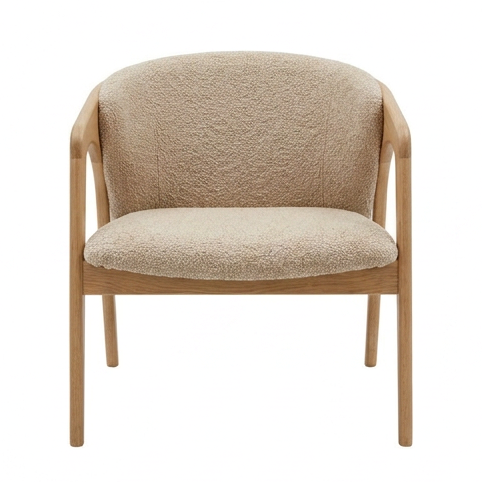
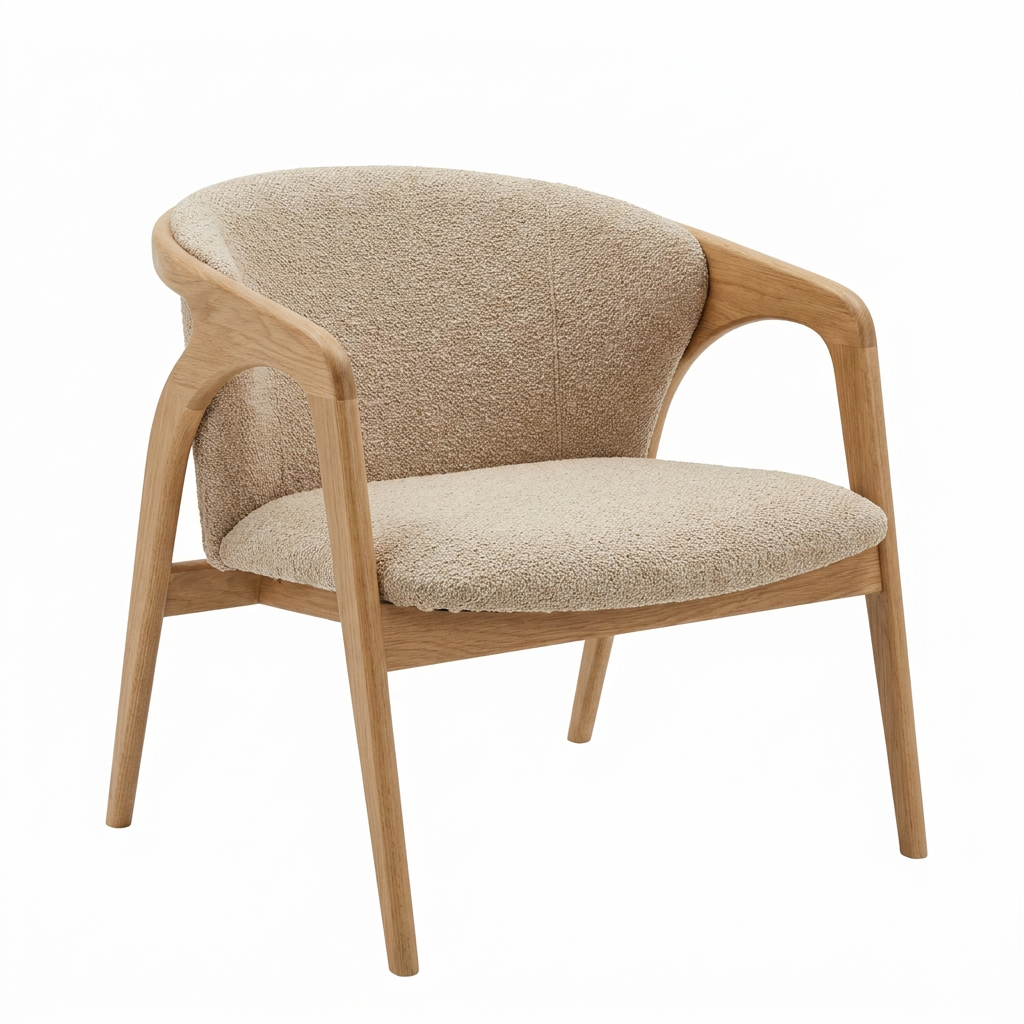
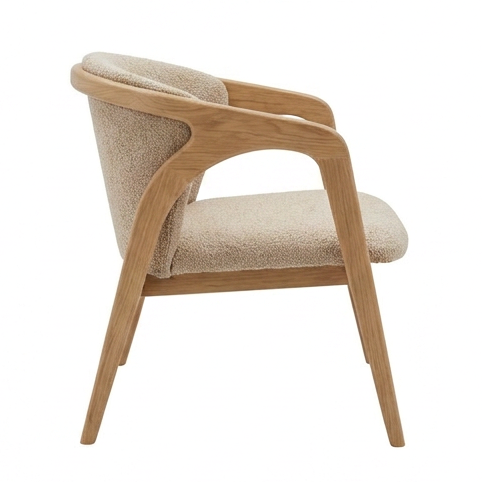
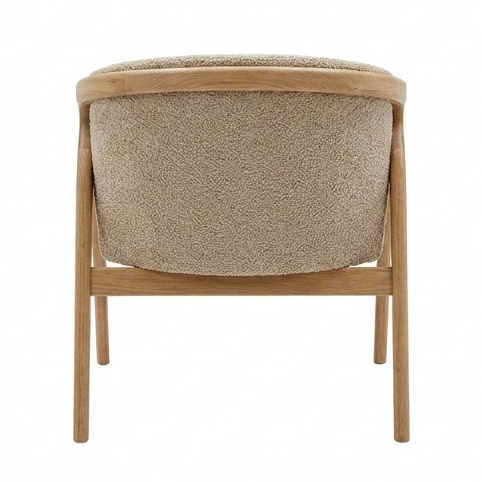
Turn a single product photo into a realistic 3D model, usually in about 5 minutes. Explore it, view it in AR at real size, embed it, or export it to any of 7 formats. Make your first model for $2.
Your first model is $2, refunded in full within 14 days if you do not like it. Try it with a sample photo
Frequently asked
How do I open a STEP file without CAD software?
Drop the .step or .stp file on this page. It opens in your browser in a few seconds, with no install and no account. You can spin it, check its size in millimetres, take a screenshot and view it in AR on a phone.
What is the difference between .step and .stp?
None. Both are the same ISO 10303-21 format. The three-letter .stp comes from older systems that limited extensions to three characters. This viewer opens both, and IGES files (.iges, .igs) too.
Is my CAD file uploaded?
No. The file is read by OpenCascade, compiled to WebAssembly, running inside your browser. Nothing is sent to a server, which matters for client parts under NDA. You can disconnect from the network after the reader loads and it still works.
Why does the first STEP file take longer to open?
The CAD reader is about 7.6 MB. Your browser downloads it the first time you open a STEP or IGES file, then keeps it in its cache. After that, a typical part opens in one or two seconds.
Can I measure the part?
The bar under the viewer shows the overall width, depth and height of the part in millimetres. It does not measure between individual faces or holes. For that, open the file in FreeCAD, which is free, or in your CAD tool.
Can I convert the STEP file to STL?
Yes, with the STEP to STL converter. It uses the same reader and writes an STL in millimetres, ready for your slicer.
Made with 2dto3D
See the full gallery










Last updated 2026-11-06