Open an OBJ file in your browser
Drop in a .obj and explore it from every angle. Converted to a renderable model on your own machine, so the file never leaves your browser.
Drop a OBJ file
or click to choose one. Your file never leaves your browser.
Runs entirely in your browser. Your file is never uploaded, and there is no sign-up.
How to open an OBJ file online
- Drop your .obj file onto the viewer, or click to browse for it.
- The file is parsed on your own machine and rendered straight away.
- Explore it from any angle. On a phone, use the AR button to place it at real size.
Why an OBJ often looks plain
OBJ splits a model across several files. The .obj holds vertices, faces and UV
coordinates. A .mtl beside it describes the materials. The textures are separate
image files that the .mtl references by name. Open the .obj alone and you get correct
geometry with no colour, which is usually what people are seeing when they think the viewer
is broken.
Nothing is wrong with the file. If you need the textures, keep the whole folder together in your 3D editor, or convert the model to GLB, which embeds everything in one file.
What this viewer does with it
- Parses the OBJ locally and builds a renderable model in the browser.
- Applies a neutral default material so the shape and surface read clearly.
- Reports triangle count and file size, useful for judging whether a mesh is print or web ready.
- Offers AR on mobile, subject to the mesh being light enough for the device to handle.
Your file never leaves your browser
This tool is JavaScript running on your own machine. Your file is read into memory, processed there, and gone when you close the tab. It is never sent to us, so there is no upload, no queue, no retention period, and no account to create. You can disconnect from the network after the page loads and it will still work.
No 3D model yet?
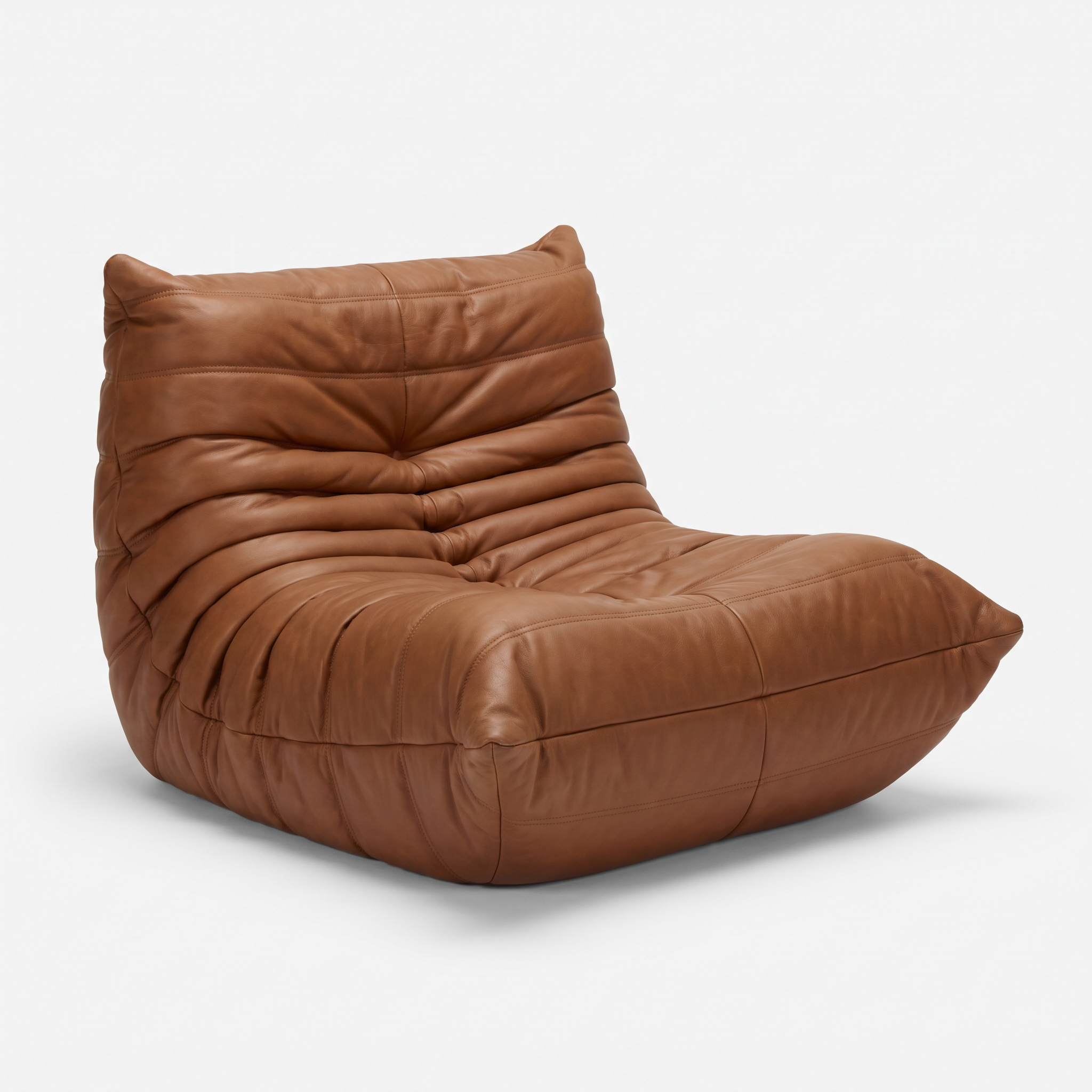
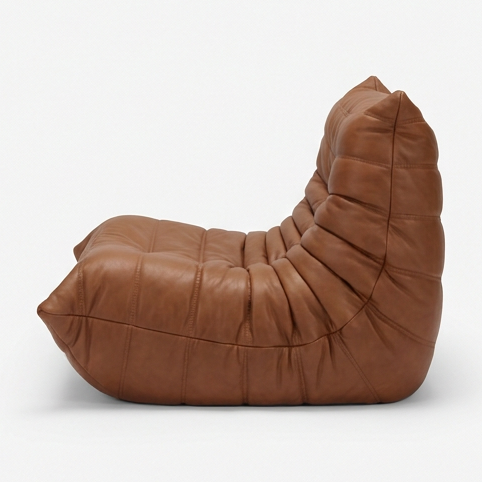
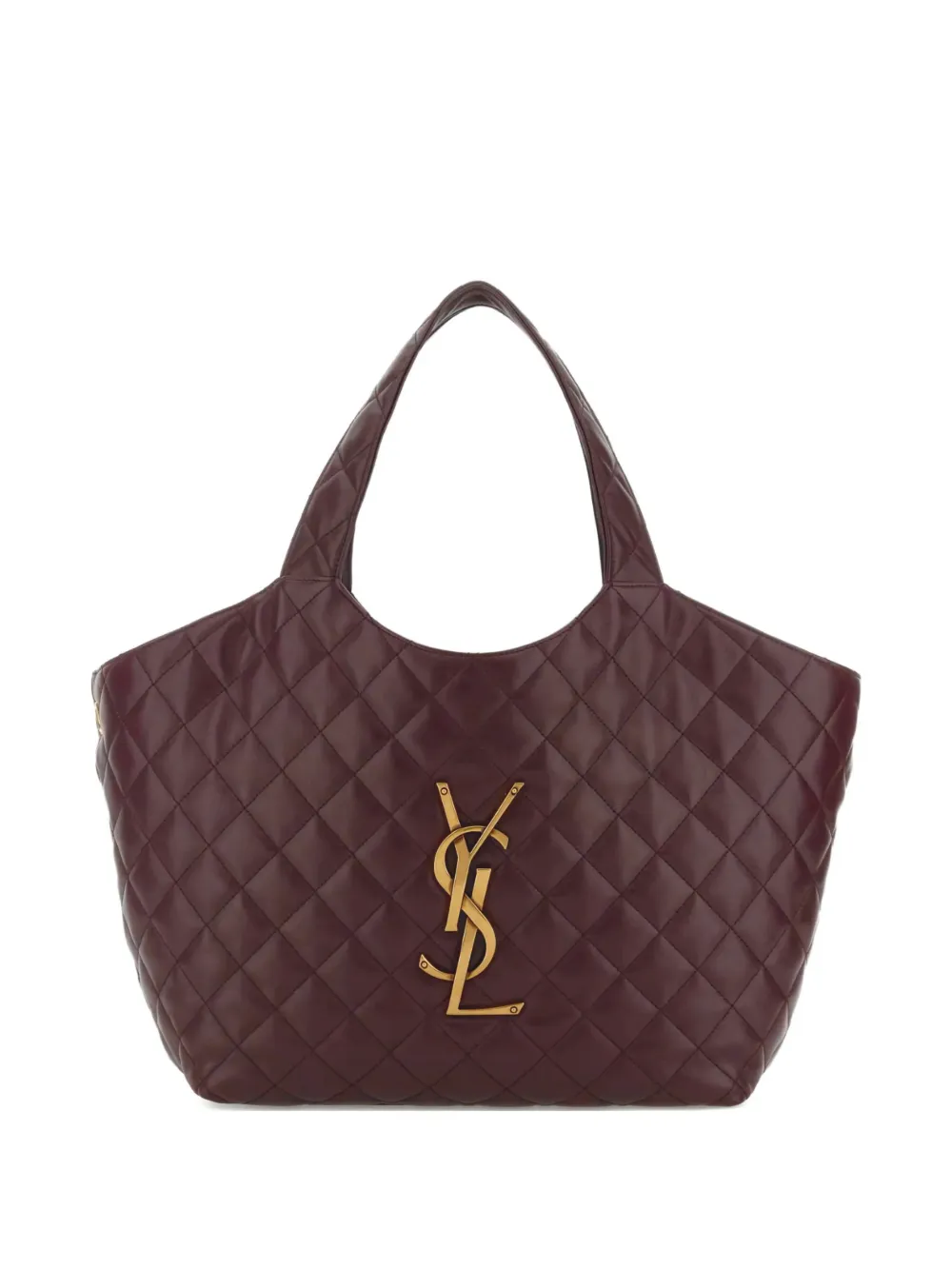
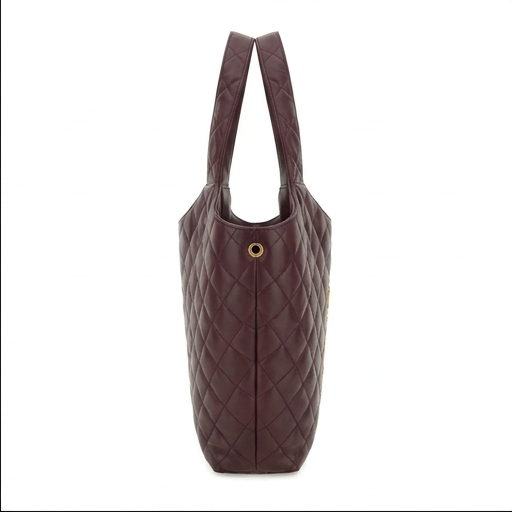
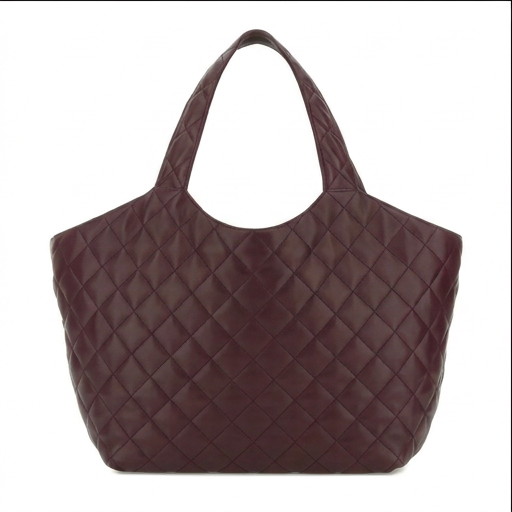
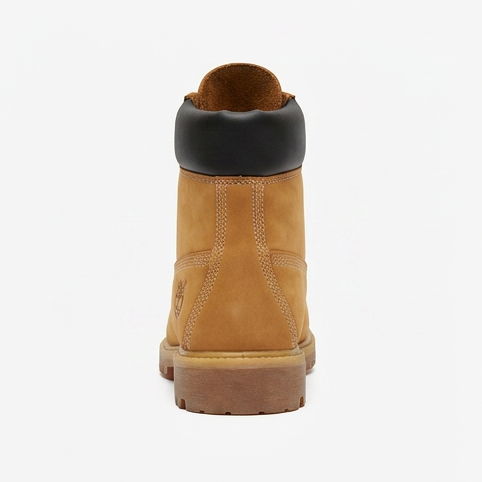
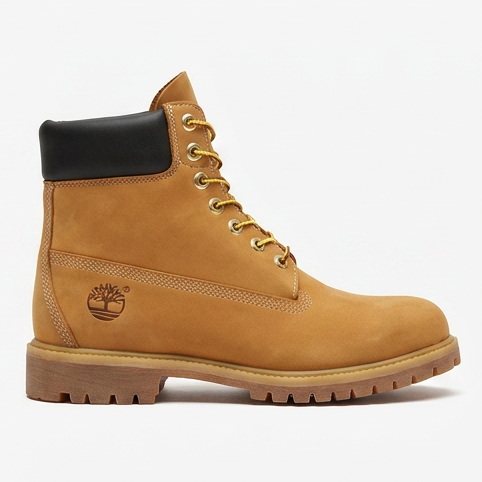
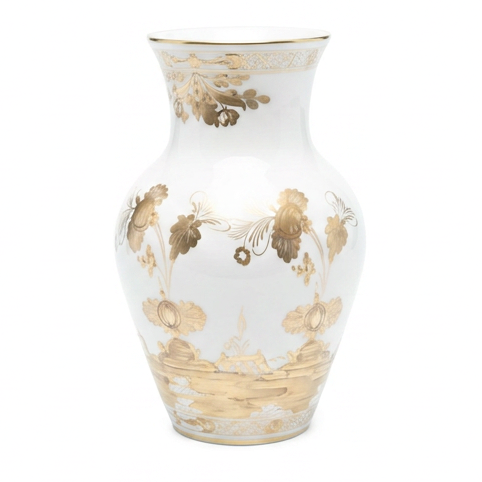
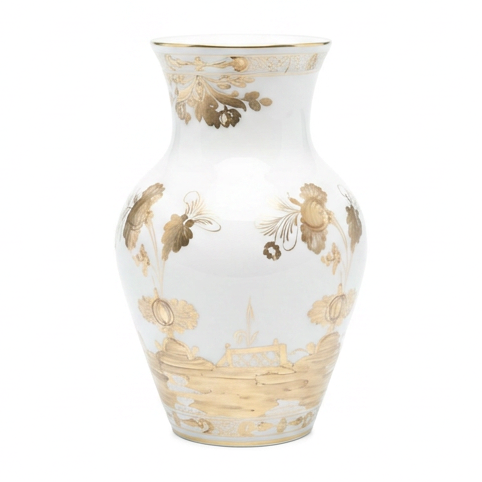
Turn a single product photo into a realistic 3D model, usually in about 5 minutes. Explore it, view it in AR at real size, embed it, or export it to any of 7 formats. Try it free for 7 days, or make your first model for $2.
Try it free for 7 days with 3 free models (card needed, cancel any time), or make your first model for $2. Try it with a sample photo
Frequently asked
Why does my OBJ show up grey?
Because its colour lives in a separate .mtl file and the texture images that file points at, and selecting the .obj on its own leaves those behind. The geometry and UVs are correct; only the material assignment is missing.
Is my file uploaded?
No. The OBJ is parsed in your browser and rendered locally. Nothing reaches our servers, and there is no account or sign-up.
Can I view it in AR?
On a phone or tablet, yes. Open this page on the device and use the AR button. AR wants a reasonably light mesh, so a very dense scan may render on screen and still fail to launch.
Should I use OBJ or GLB for sharing?
GLB, without much doubt. It packs geometry, materials and textures into one file, so there is nothing to lose track of. OBJ is a folder of loose files that break apart the moment one goes missing.
Made with 2dto3D
See the full gallery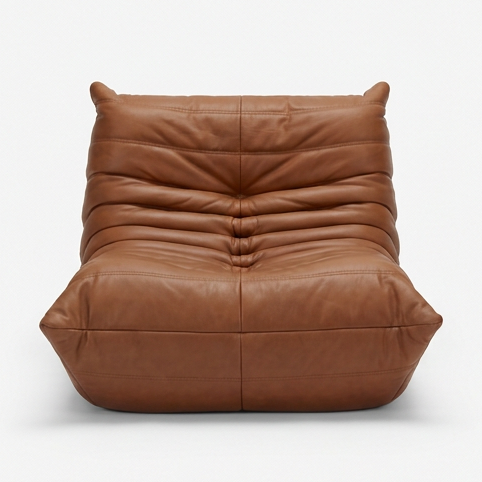



Last updated 2026-07-30