Convert GLB to STL
Drop in a .glb or .gltf and get a binary STL back, ready to open in PrusaSlicer, Cura or Bambu Studio. The conversion happens on your machine.
Drop a GLB file
or click to choose one. Your file never leaves your browser.
Runs entirely in your browser. Your file is never uploaded, and there is no sign-up.
How to convert GLB to STL
- Drop your .glb or .gltf file onto the panel, or click to browse for it.
- The file is read and converted on your own machine. Nothing is uploaded to a server.
- Download the STL file. You get binary .stl, geometry only.
What you get, and what you lose
STL stores a single mesh as raw triangles. That is why it is the universal 3D printing format and also why the conversion is lossy in one specific way: everything except geometry is discarded. Colour, texture maps, materials, and any separate objects in the scene are merged down to one shape. That is the format, not the converter.
If colour matters for your print, export 3MF instead. It carries colour and material data and is supported by most current slicers and multi-material printers.
GLB and STL, side by side
The two formats were built for different jobs, which is exactly why this conversion exists. GLB is how a model travels to screens; STL is how it travels to a printer.
| Property | GLB (glTF 2.0) | STL |
|---|---|---|
| Stores | Meshes, materials, textures, animations, scene layout | Triangles only |
| Units | Metres, defined by the spec | None; slicers assume millimetres |
| Colour and textures | Full PBR materials with image textures | None |
| Animation | Keyframes, skinning, morph targets | None |
| Objects per file | Whole scenes, many named objects | One solid |
| Encoding | Binary container, one file | Binary or ASCII; this tool writes binary |
| Built for | Web viewers, game engines, AR | 3D printing and slicers |
Before you print
A converted mesh is not automatically a printable one. Models produced by AI generation or photogrammetry, ours included, can contain holes, self-intersections, or non-manifold edges that a viewer renders perfectly happily and a slicer refuses. Every major slicer has a repair pass:
- PrusaSlicer: right-click the object, then Fix by Netfabb.
- Cura: Extensions, Mesh Tools, Fix simple holes.
- Bambu Studio: right-click, Fix model.
Also check wall thickness. A model built for a screen has no minimum thickness, so thin details that look fine in a viewer can come out below what your nozzle can actually lay down.
Where the converted file works
The output is a standard binary STL, so it opens anywhere STL is accepted: PrusaSlicer, Cura, Bambu Studio, OrcaSlicer and Simplify3D; mesh repair tools like Meshmixer and Microsoft 3D Builder; CAD packages that import meshes; and every online print service. The converter itself runs on any current browser on Windows, macOS, Linux, Android or iOS, because it is a web page rather than an installed program.
When STL is the wrong target
Converting to STL is right when a printer or a slicer is the destination. It is the wrong move when the destination is another editor or a storefront: you would be throwing away materials and UVs that the receiving tool can actually use. In that case convert to OBJ, which keeps the texture coordinates, or keep the GLB, which keeps everything.
Your file never leaves your browser
This tool is JavaScript running on your own machine. Your file is read into memory, processed there, and gone when you close the tab. It is never sent to us, so there is no upload, no queue, no retention period, and no account to create. You can disconnect from the network after the page loads and it will still work.
No 3D model yet?
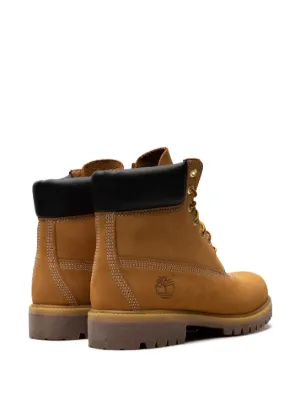
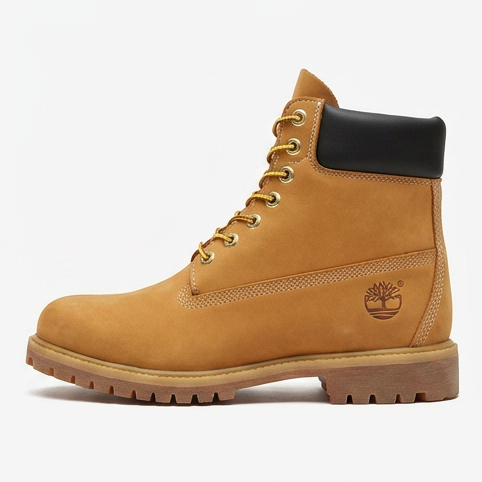
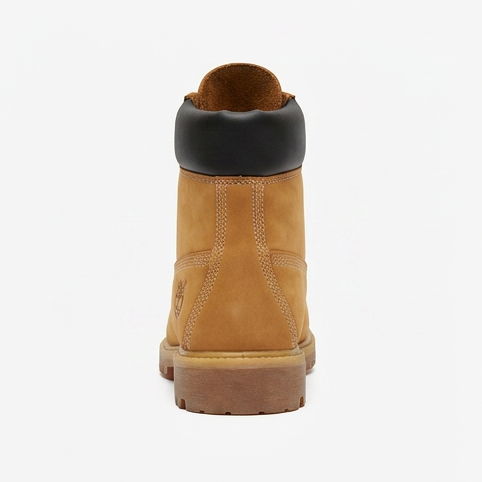
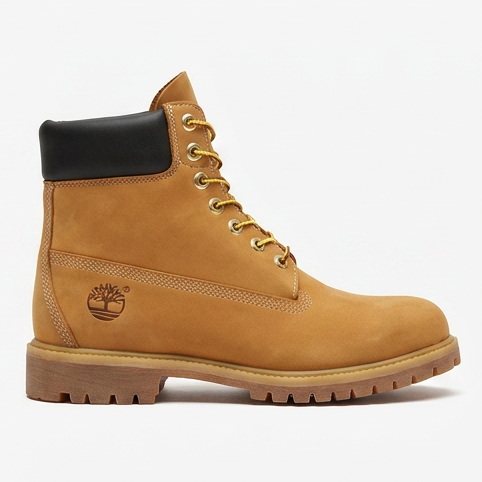
Turn a single product photo into a realistic 3D model, usually in about 5 minutes. Explore it, view it in AR at real size, embed it, or export it to any of 7 formats. Try it free for 7 days, or make your first model for $2.
Try it free for 7 days with 3 free models (card needed, cancel any time), or make your first model for $2. Try it with a sample photo
Frequently asked
Will the STL keep my textures and colours?
No, and no STL ever does. The format stores triangles and nothing else, so colour, texture and material information are dropped by definition. If you need colour on a print, export 3MF instead, which most modern slicers accept.
Is the STL ready to print?
It is ready to open in a slicer, which is not quite the same thing. This tool converts the mesh faithfully; it does not repair it. Generated and scanned meshes, ours included, can carry holes or non-manifold edges, so run the repair step in PrusaSlicer, Cura or Bambu Studio before printing.
Is the file uploaded to a server?
No. The conversion runs in your browser using your own machine's memory and CPU. Nothing is transmitted, and there is no account or email gate.
What scale will the model be?
Whatever scale it was authored at. glTF works in metres and STL is unitless, so slicers usually interpret the numbers as millimetres. If your model imports a thousand times too small or too large, that mismatch is the reason, and scaling in the slicer fixes it.
Binary or ASCII STL?
Binary. It is roughly a third the size of ASCII for the same mesh and every slicer reads it.
What is a GLB file?
GLB is the binary form of glTF 2.0, the standard interchange format for 3D on the web. One file carries the meshes, PBR materials, textures, animations and scene layout together, with units defined as metres. It is what web viewers, game engines and AR systems consume directly.
What is an STL file?
STL is the 1987 stereolithography format that 3D printing standardised on. It describes a surface as bare triangles, nothing more: no colour, no materials, no units, no scene. Its simplicity is why every slicer and print service accepts it, and why converting to it is always lossy.
What happens to animations and multiple objects?
They are flattened. STL has no concept of animation, and a scene of several meshes becomes one combined solid in its rest pose. That is what a slicer expects. Keep the original GLB if you need the moving or separated version.
My GLB uses Draco or meshopt compression. Will it work?
Meshopt-compressed files convert fine; the decoder is built in. Draco-compressed files are the one input this tool refuses, with a clear message, because reading them would mean shipping a second decoder. Re-export without Draco and it will convert.
Why is the STL so much bigger or smaller than the GLB?
STL spends about 50 bytes per triangle and carries no textures. So a texture-heavy GLB usually shrinks, while a dense, compressed mesh can grow several times over once every triangle is written out raw. Either direction is normal and says nothing about quality.
Does it work on a phone, Mac or Windows?
Yes. It is a web page, so any current browser on any operating system works, phones included. The practical limit is memory: a very large mesh on a low-end phone can fail to parse, and a laptop or desktop will handle it.
Can I convert several files at once?
One file at a time, but there is no daily cap and no queue, so converting a batch is just repeating the drop. Each conversion is independent and stays on your machine.
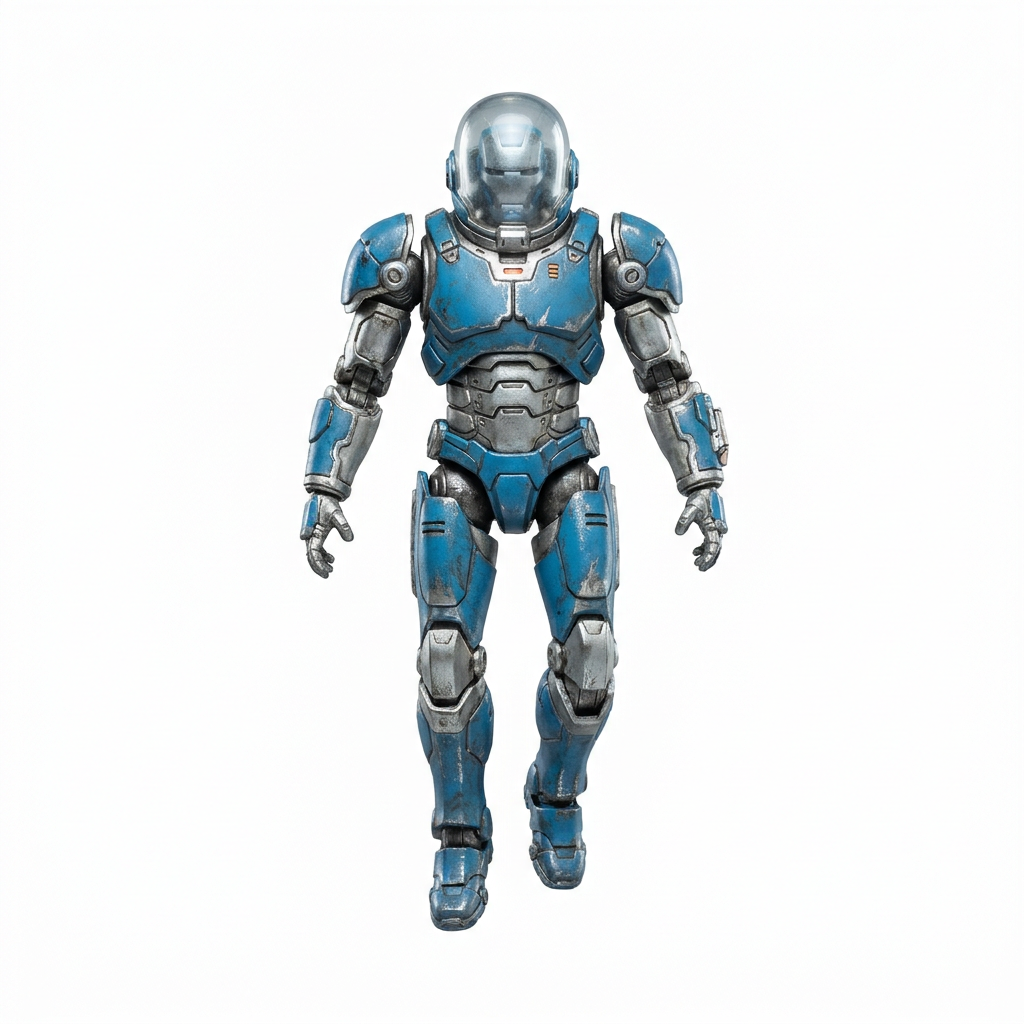
Made with 2dto3D
See the full gallery



Last updated 2026-08-20