Convert an FBX file to OBJ
Drop in an .fbx and get an .obj for any 3D editor. Converted on your own machine, no Blender needed.
Drop your FBX file here
Runs entirely in your browser. Your file is never uploaded, and there is no sign-up.
How to convert FBX to OBJ
- Drop your .fbx file onto the panel, or click to browse for it.
- The file is read and converted on your own machine. Nothing is uploaded to a server.
- Download the OBJ file. You get wavefront .obj geometry.
What carries over to the OBJ
| In the FBX | In the OBJ |
|---|---|
| Meshes and their positions | Kept, one object per mesh |
| Normals and UV coordinates | Kept |
| Materials and textures | Not written (OBJ keeps them in a separate .mtl) |
| Skeleton, skinning, animation | Dropped, rest pose only |
| Units | Numbers unchanged, OBJ has no unit field |
When OBJ is the right target
OBJ is the format almost every 3D tool can import, including older ones, CAD packages and photogrammetry software that do not read FBX. It is plain text, so it is easy to inspect and to process with scripts. Choose OBJ when you need the shape to open anywhere and you will set up materials again in the target tool.
If you need the textures and the animation to come with the model, convert to GLB instead. GLB keeps both, in one file.
Your file never leaves your browser
This tool is JavaScript running on your own machine. Your file is read into memory, processed there, and gone when you close the tab. It is never sent to us, so there is no upload, no queue, no retention period, and no account to create. You can disconnect from the network after the page loads and it will still work.
No 3D model yet?
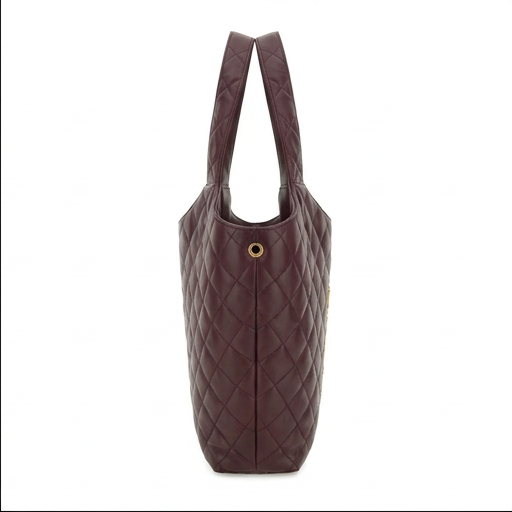
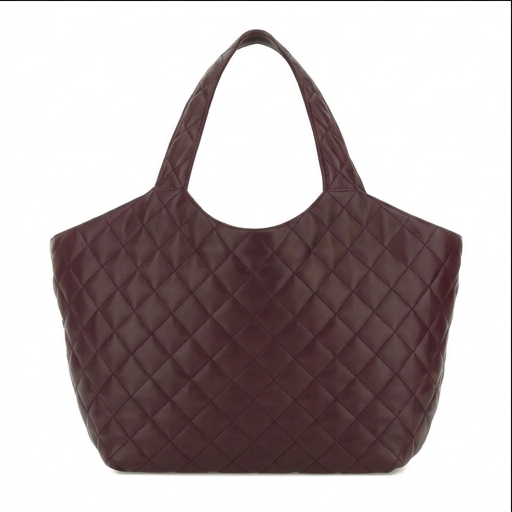
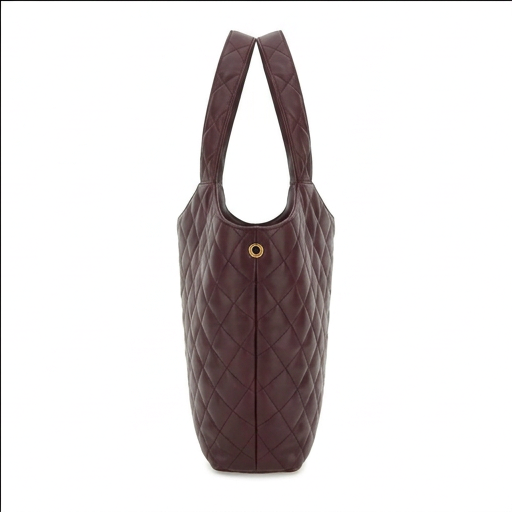
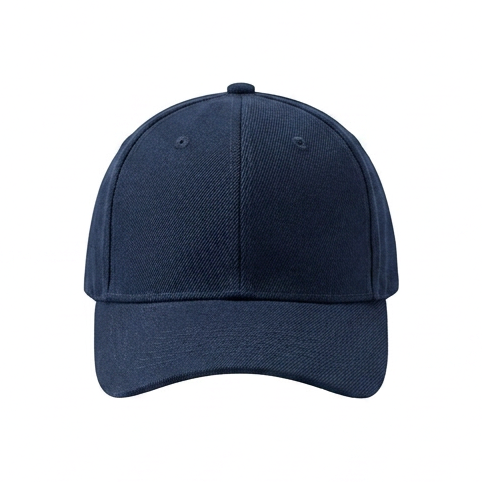
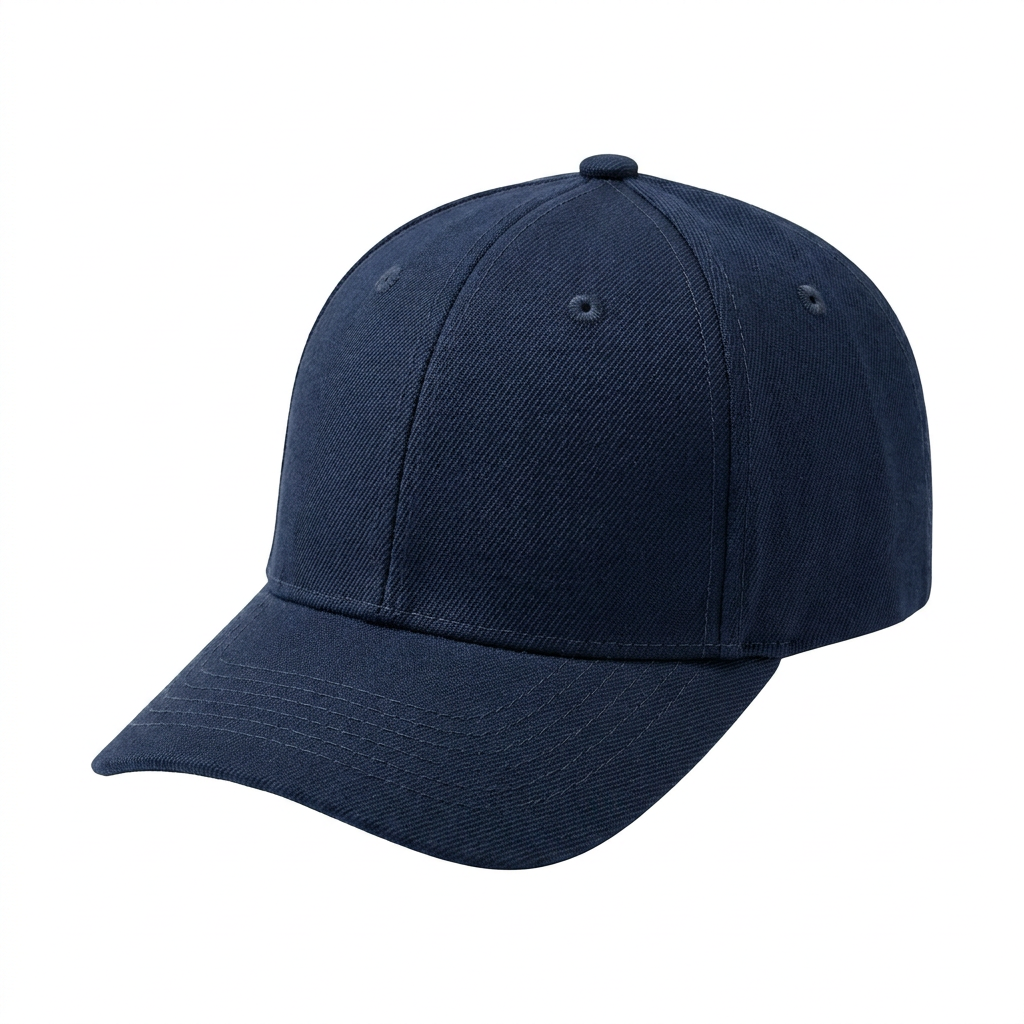
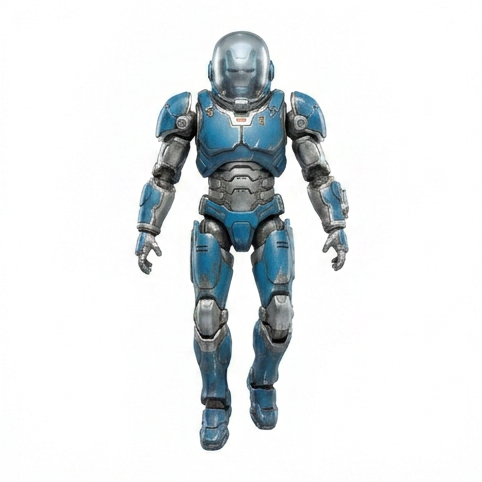
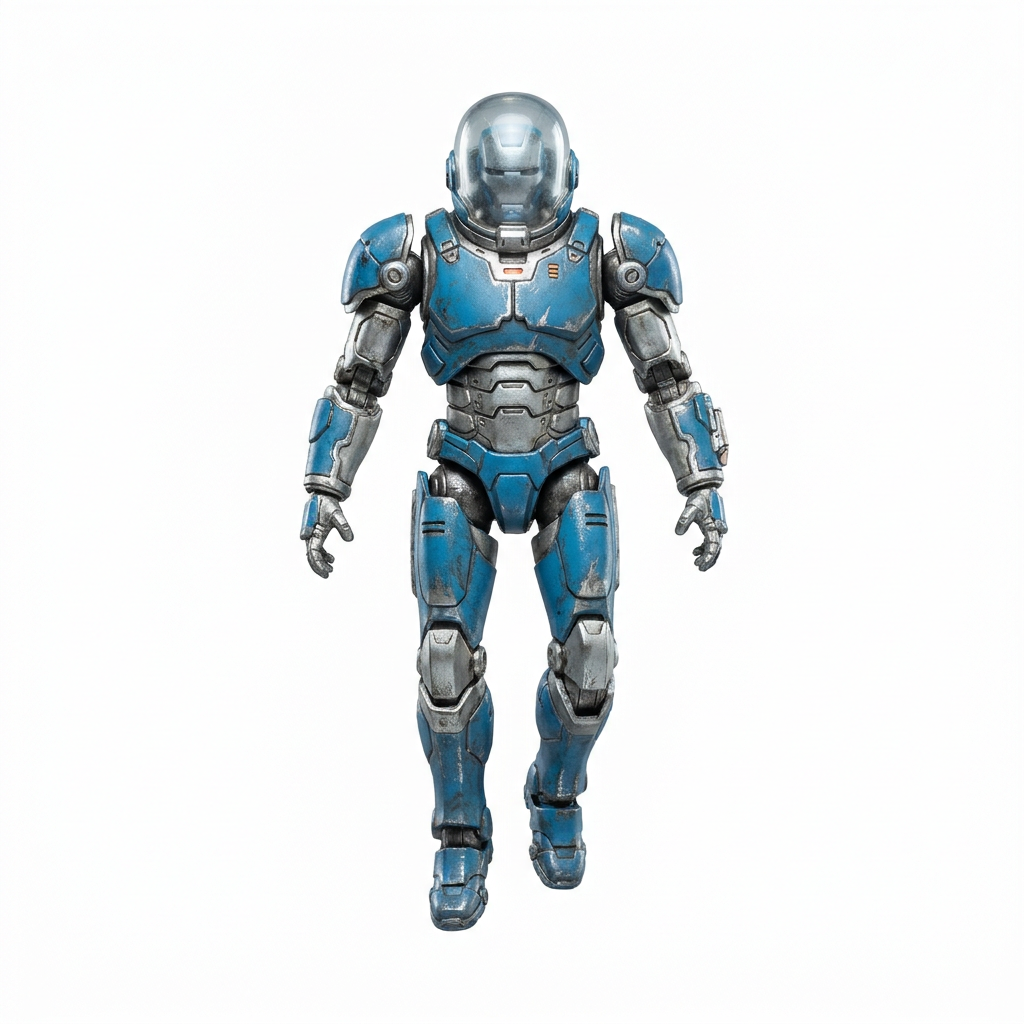
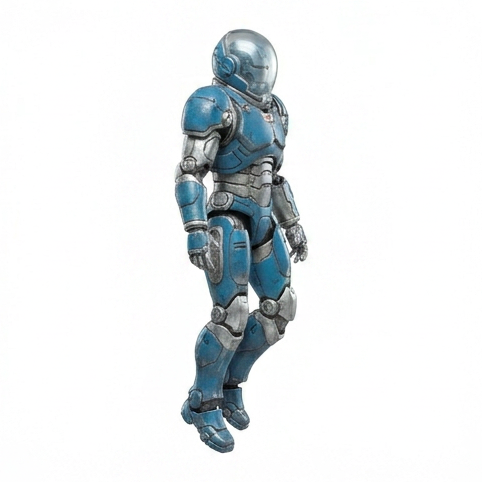
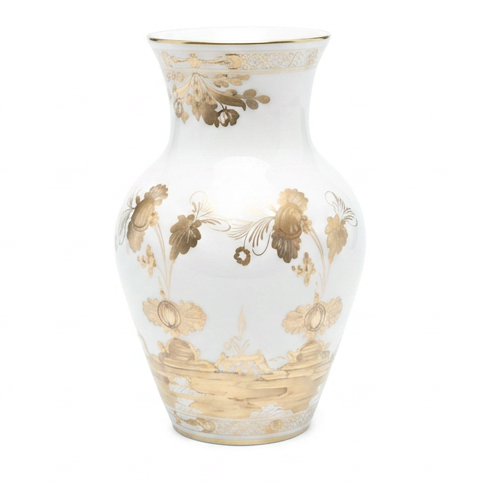
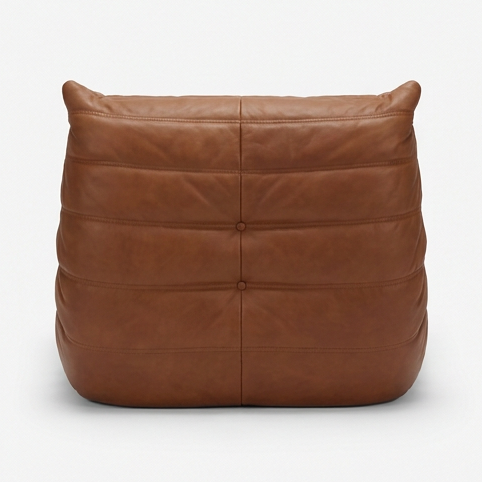
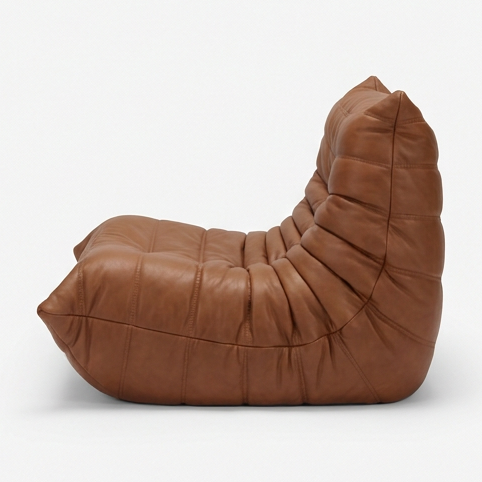
Turn a single product photo into a realistic 3D model, usually in about 5 minutes. Explore it, view it in AR at real size, embed it, or export it to any of 7 formats. Make your first model for $2.
Your first model is $2, refunded in full within 14 days if you do not like it. Try it with a sample photo
Frequently asked
How do I convert FBX to OBJ without Blender?
Drop the .fbx on this page and download the .obj. The file is read and written in your browser, so you do not need Blender, Maya or an Autodesk account. Binary and ASCII FBX from version 7.0 (FBX 2011) onward are supported.
Are textures and materials kept?
The OBJ keeps the geometry, the normals and the UV coordinates, so a texture lines up when you apply it again. Materials and texture images are not written, because OBJ stores those in a separate .mtl file and image files that this tool does not produce.
What happens to animation and bones?
OBJ cannot store animation, bones or blend shapes, so they are dropped. The mesh is exported in its rest pose. If you need the animation, convert to GLB instead, which keeps it.
Is the file uploaded?
No. The conversion runs on your own machine. Nothing is sent to a server, and there is no sign-up or email gate.
What scale will the OBJ be?
The same numbers as the FBX. OBJ has no unit field, so the values go across unchanged. Most FBX files are in centimetres, so a 30 cm model reads as 30 units, which most 3D editors import as 30 cm or 30 m depending on their own setting.
Made with 2dto3D
See the full gallery



Last updated 2026-11-06