Convert an FBX file to STL
Drop in an .fbx and get an STL for your slicer, in millimetres and standing upright. Converted on your own machine.
Drop your FBX file here
Runs entirely in your browser. Your file is never uploaded, and there is no sign-up.
How to convert FBX to STL
- Drop your .fbx file onto the panel, or click to browse for it.
- The file is read and converted on your own machine. Nothing is uploaded to a server.
- Download the STL file. You get binary .stl in millimetres.
From a game or animation model to a print
FBX models are made for screens. They are often several separate meshes, open at the seams, with details like hair and fabric made of single-sided planes. A screen does not care. A slicer does: it needs one closed surface it can fill.
- The converter merges every mesh into one STL, placed as in the FBX.
- It writes millimetres and stands the model with Z up, so it lands on the bed at its modelled size.
- Colour, textures, bones and animation are dropped. STL stores only triangles.
Make it printable
After you convert, run the STL through the STL repair tool. It fills holes and turns reversed triangles, which fixes most game models. Then scale the model in your slicer if you want it bigger or smaller than its modelled size, and add supports under arms, chins and other overhangs.
Your file never leaves your browser
This tool is JavaScript running on your own machine. Your file is read into memory, processed there, and gone when you close the tab. It is never sent to us, so there is no upload, no queue, no retention period, and no account to create. You can disconnect from the network after the page loads and it will still work.
No 3D model yet?
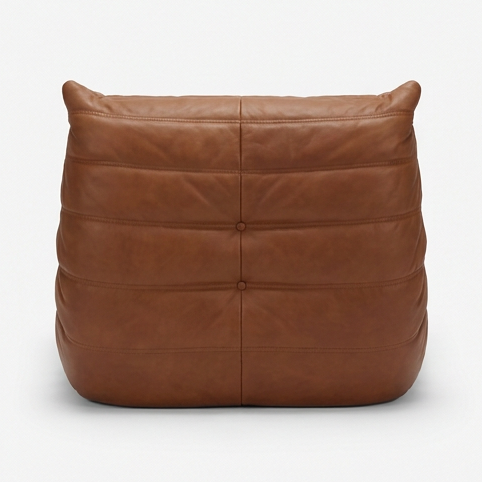
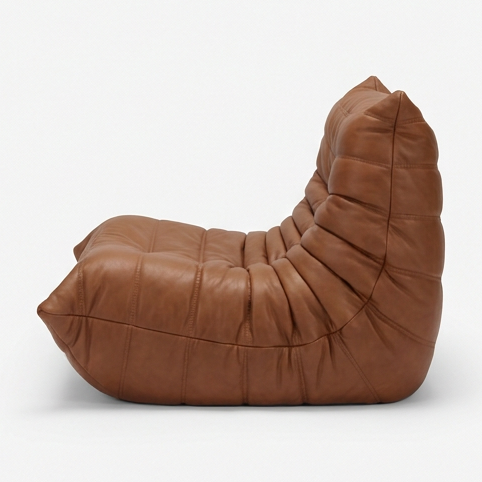
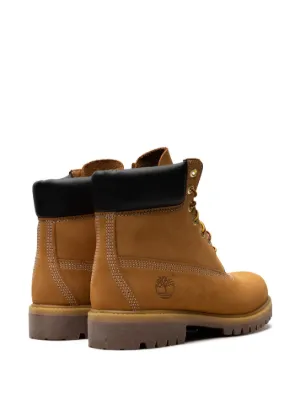
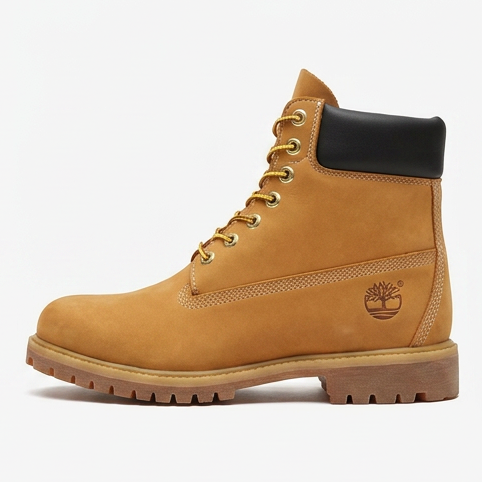
Turn a single product photo into a realistic 3D model, usually in about 5 minutes. Explore it, view it in AR at real size, embed it, or export it to any of 7 formats. Make your first model for $2.
Your first model is $2, refunded in full within 14 days if you do not like it. Try it with a sample photo
Frequently asked
How do I convert FBX to STL for 3D printing?
Drop the .fbx on this page and download the .stl. The converter takes the FBX as centimetres, the default in Blender, Maya and 3ds Max, writes millimetres, and stands the model with Z up, so it lands on your slicer's bed at the size it was modelled. No Blender and no Autodesk account needed.
Will a character or game model print?
It will open in your slicer, but game models are often several separate meshes that overlap or are left open. Run the STL through the STL repair tool first, which fills holes and fixes reversed triangles. Thin details like hair cards and capes rarely print well at small scale.
Are colours and textures kept?
No. STL stores triangles only, so every colour, texture and material is dropped. For a multi-colour print, export 3MF from your 3D editor instead.
Is the file uploaded?
No. The FBX is read and the STL is written in your browser. Nothing reaches a server and there is no sign-up.
Made with 2dto3D
See the full gallery



Last updated 2026-11-06