Image to 3D: turn a photo into a realistic 3D model
Convert a single 2D image into a real, production-ready 3D model you can explore, embed, view in Augmented Reality, and export. Upload one photo, we generate the angles it is missing and build the mesh. Built for realism, ready in about 5 minutes.
Try it free for 7 days with 3 free models (card needed, cancel any time), or make your first model for $2. Try it with a sample photo
How to convert an image to 3D
Upload one image
A single clear photo of your product or object is enough. No multi-angle rig, no scanning app.
We generate the missing angles
From your one image, we generate the additional views automatically, so the model is built from every side, not just the front.
Your 3D model builds
About 5 minutes later you get a realistic, production-ready 3D model you can explore, embed, view in AR, or export.
From a flat image to a model you can explore
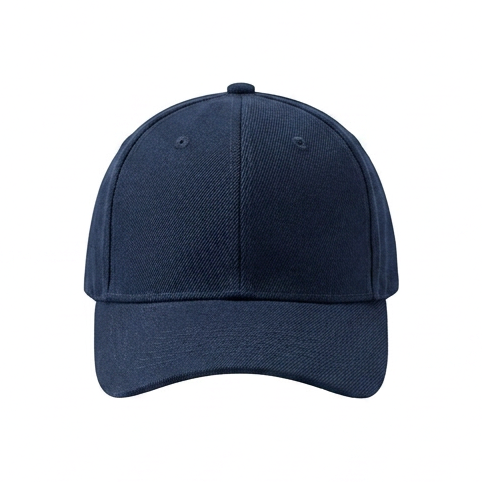
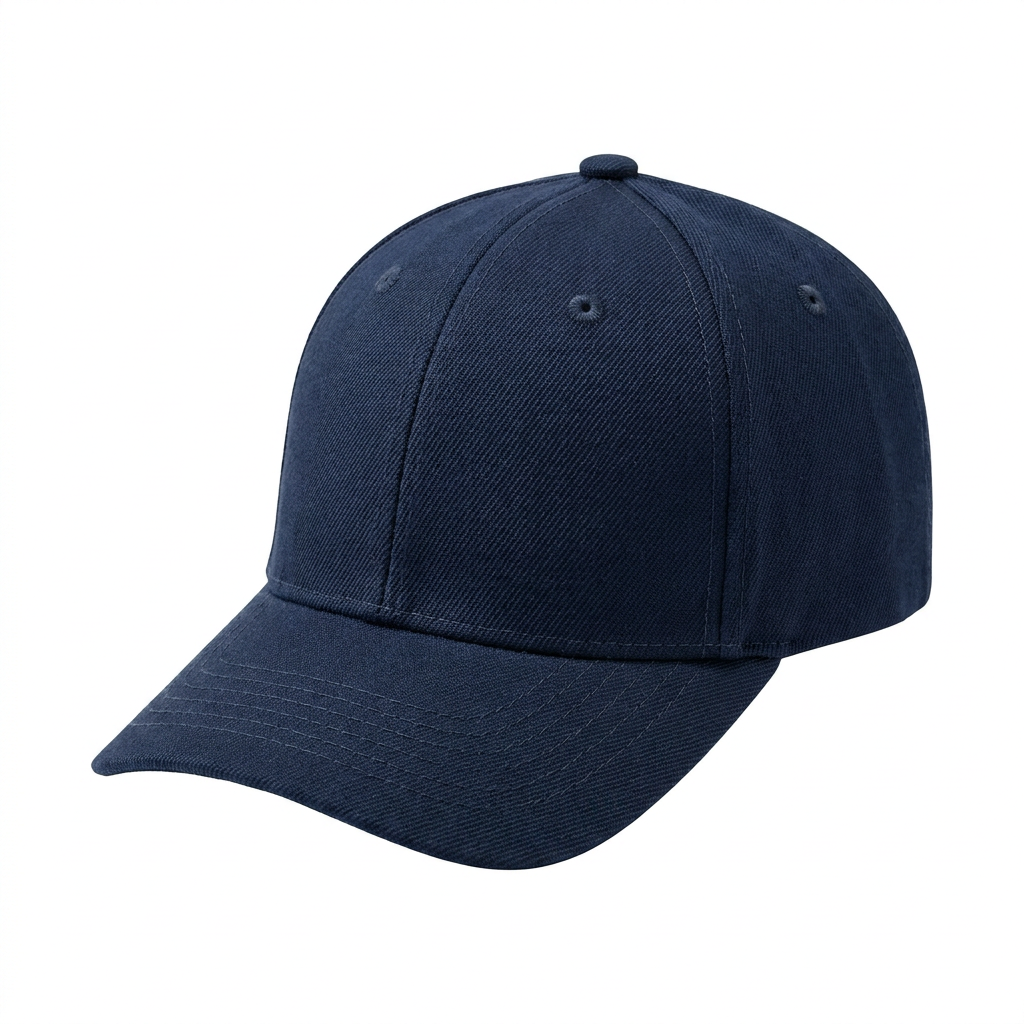
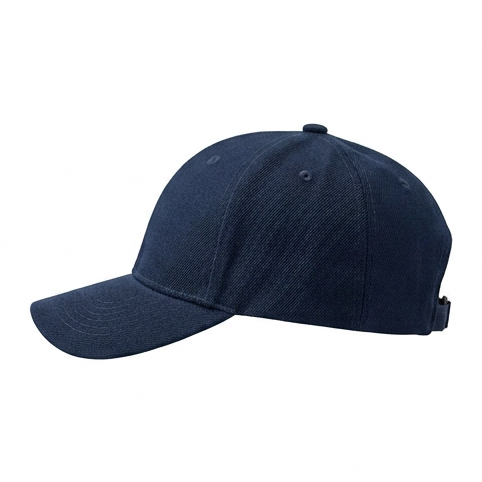
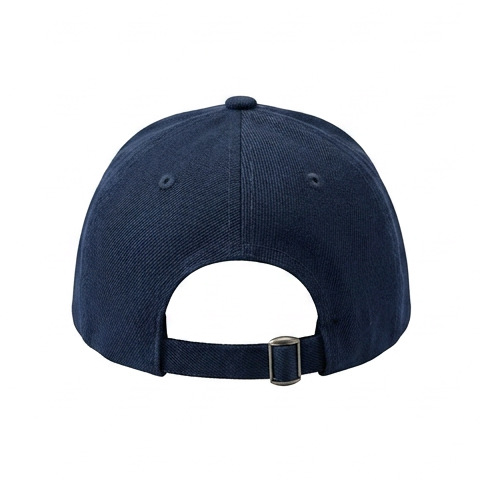
A 2D image only shows one side. A 3D model shows all of them. Our image to 3D converter reconstructs the sides your photo cannot see, then builds a textured mesh so the result reads as the real object, not a flat picture pinned to a card. You can spin it, zoom in, and look from any angle.
This is the same pipeline whether you are turning a product photo into an interactive listing, a 2D image into a 3D asset for a game, or a reference photo into something you can 3D print. If you think of it as a 2D to 3D converter or a photo to 3D model tool, that is the same tool. If you sell online, see how it works by industry, or read the full generation walkthrough.
What people build with image-to-3D models
E-commerce
Interactive product pages and AR try-in-your-space.
Game development
Drop the GLB straight into Unity, Unreal, or Blender.
AR / VR
Real-scale models for scene-viewer, WebXR, and Quick Look.
3D printing
Export STL or 3MF and send it to the printer.
One model, every format. Export to GLB, GLTF, FBX, OBJ, USDZ, STL, or 3MF, depending on where the model is going.
Image to 3D: common questions
Can I convert a 2D image into a 3D model?
Yes. Upload one 2D image and we turn it into a full 3D model. We generate the angles your single photo is missing, then build the mesh and texture from all of them, so you get a real 3D object you can spin and view from every side, not a flat image on a card.
How much does the image to 3D converter cost?
Try it free for 7 days with 3 free models (card needed, cancel any time), or make your first model for $2, refunded in full if you do not like it. After that it is $2 per model, a pack, or a monthly plan from $9. Every model is full quality with free packshots and every export format included. No subscription needed, no hidden costs.
What kind of image works best?
One clear, well-lit photo of a single object, ideally on a plain background. The sharper and less cluttered the image, the more accurate the 3D model. You do not need studio equipment or multiple angles.
How long does it take to convert an image to 3D?
About 5 minutes: roughly a minute to read your object from each angle, about three to build and texture the mesh, and a final minute to refine it. We optimize for realism, not speed.
What 3D file formats can I export?
GLB, GLTF, FBX, OBJ, USDZ, STL, and 3MF. GLB is the format most stores, game engines, and viewers expect; STL and 3MF are for 3D printing; USDZ is for iOS AR.
Can I use the 3D model for games, AR, or 3D printing?
Yes. The same model works across industries. Export a GLB for a game engine or an interactive web viewer, a USDZ for iOS AR, or an STL for a 3D printer. E-commerce is where most people start, but the model is not locked to it.
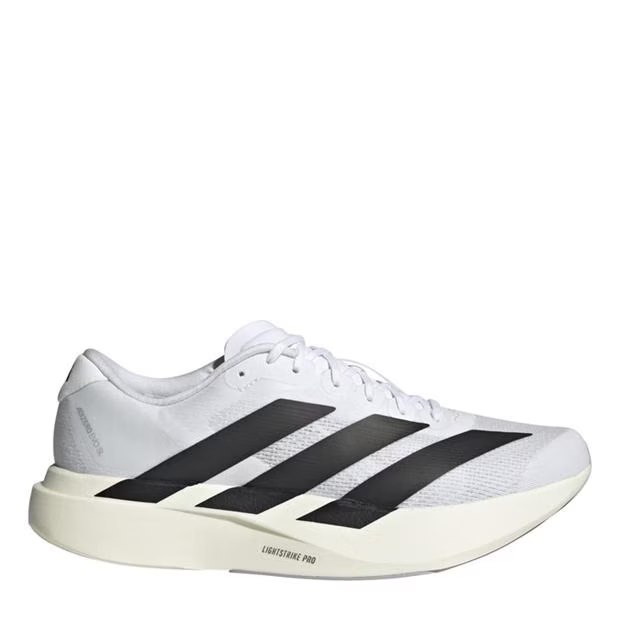
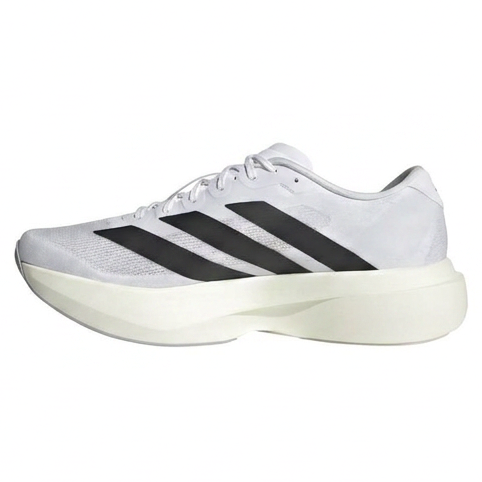
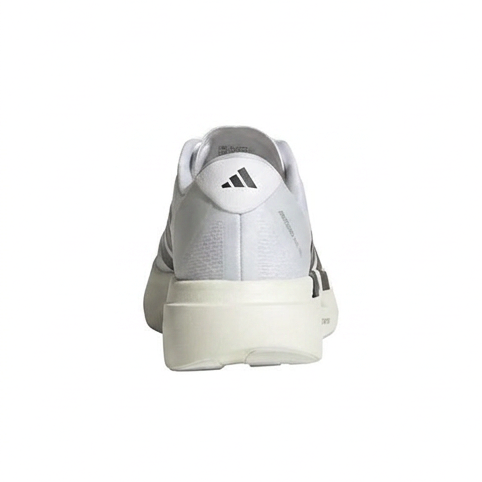
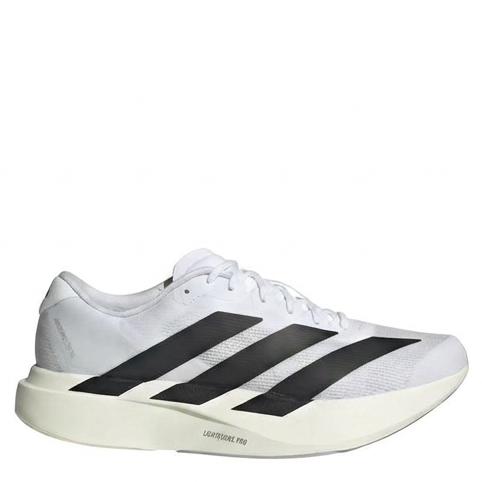
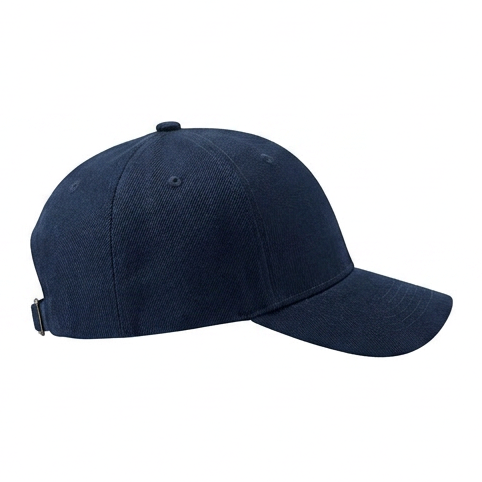
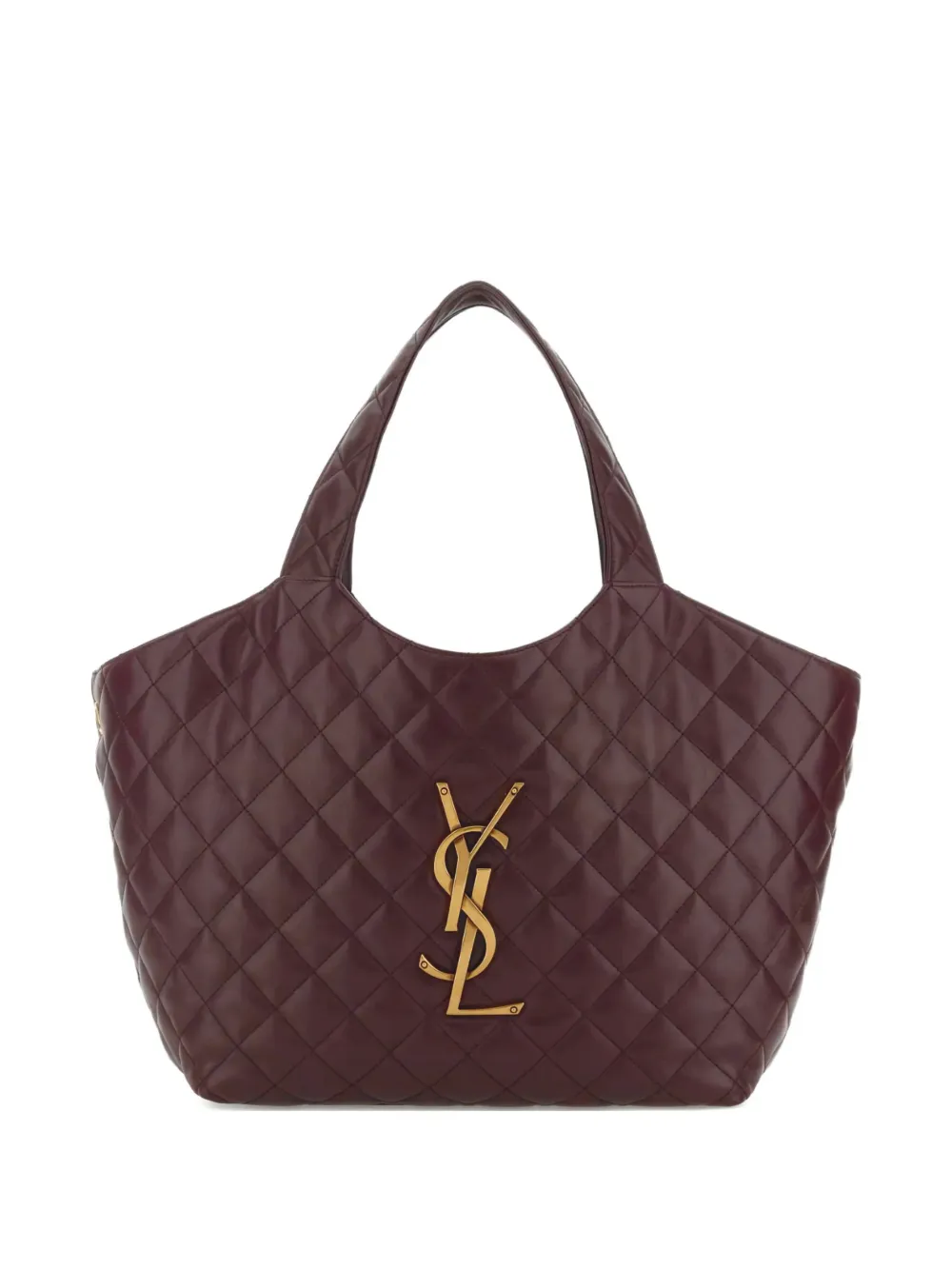
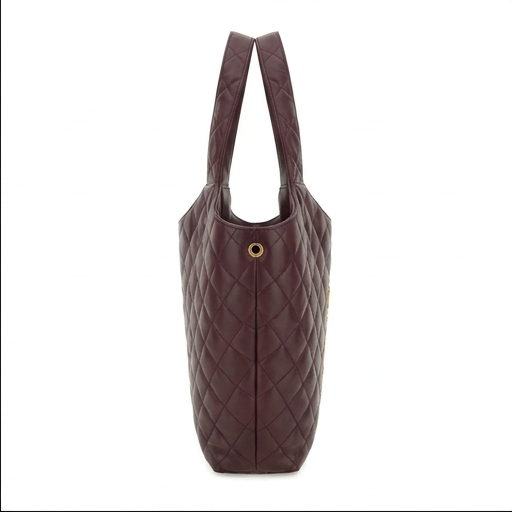
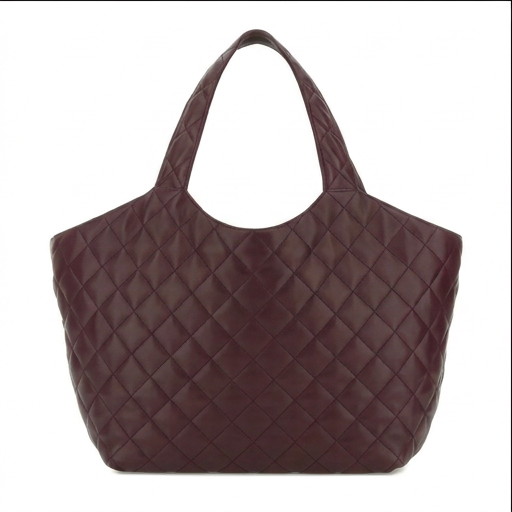
Real image-to-3D results
See the full gallery
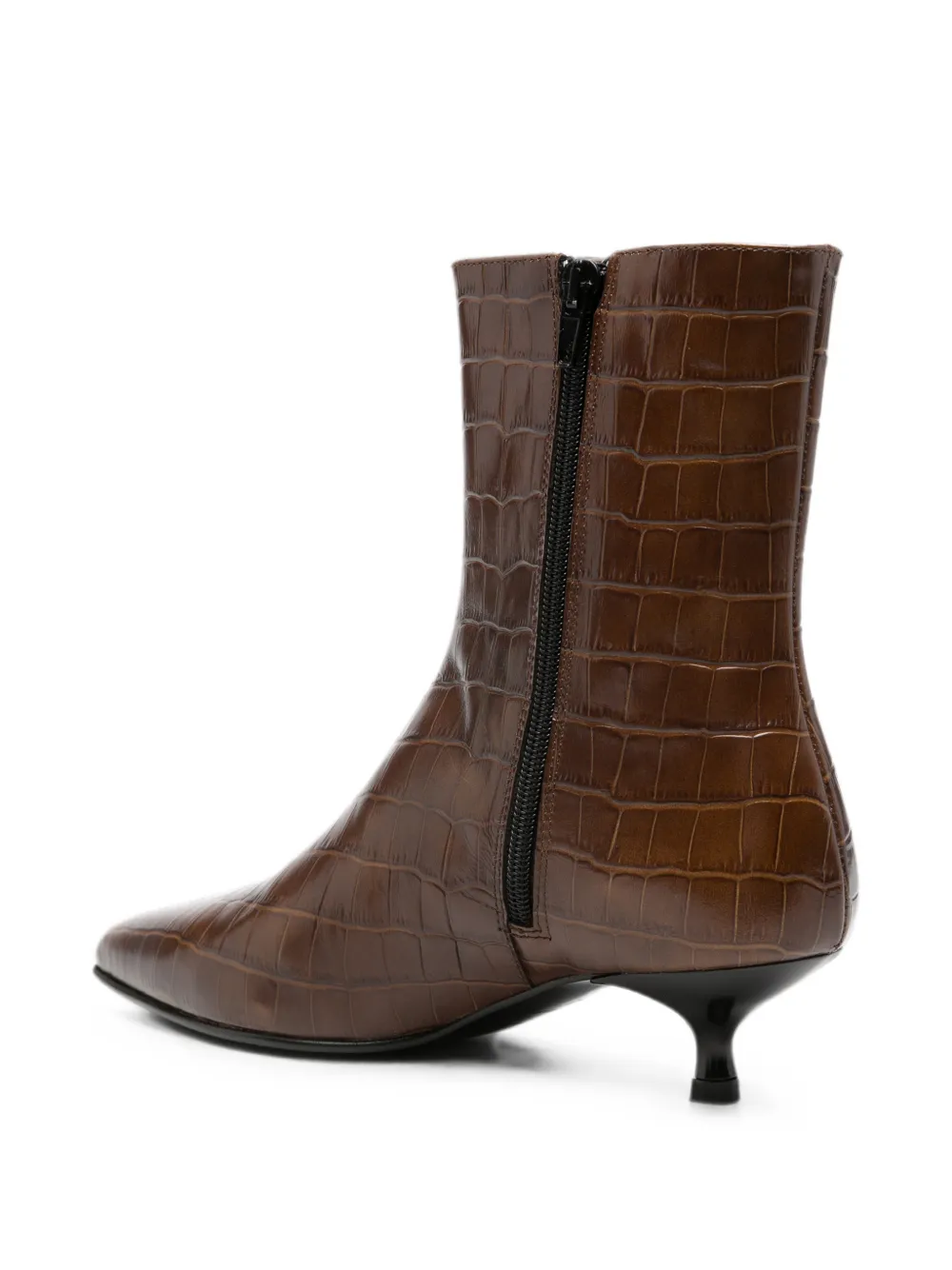
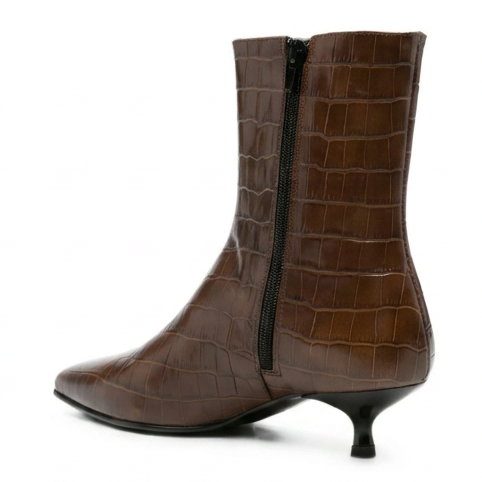
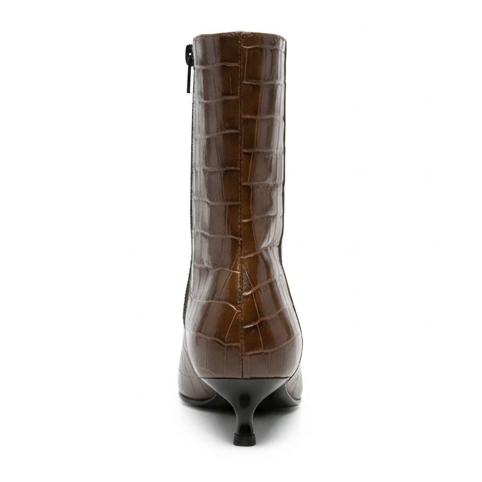
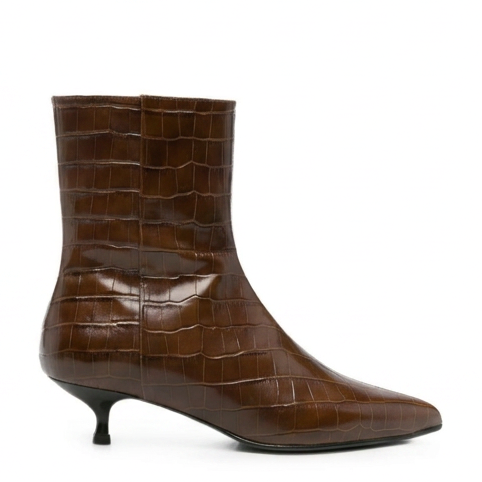


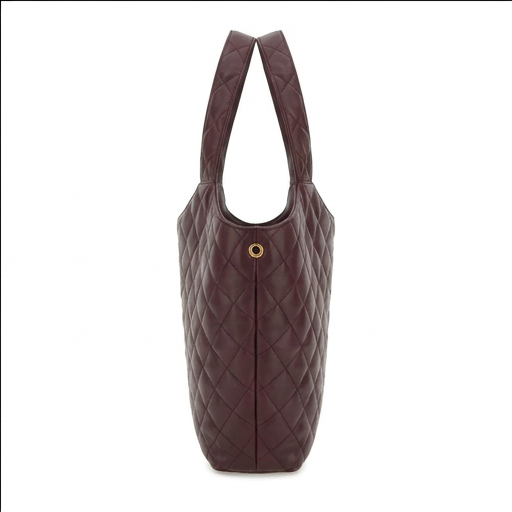

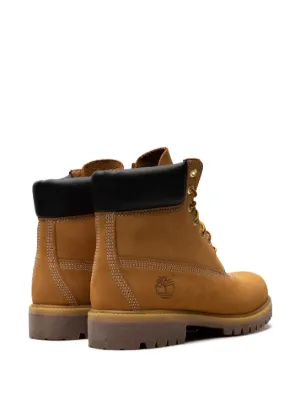
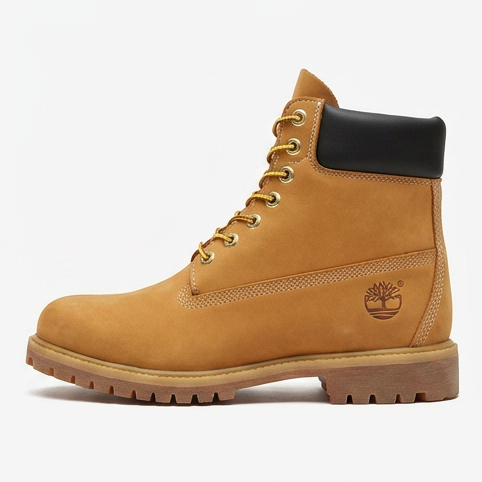
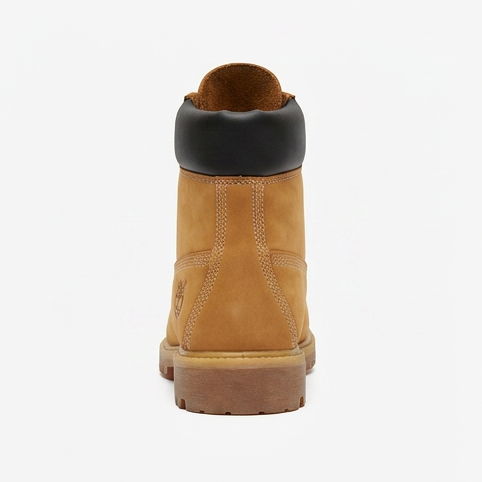
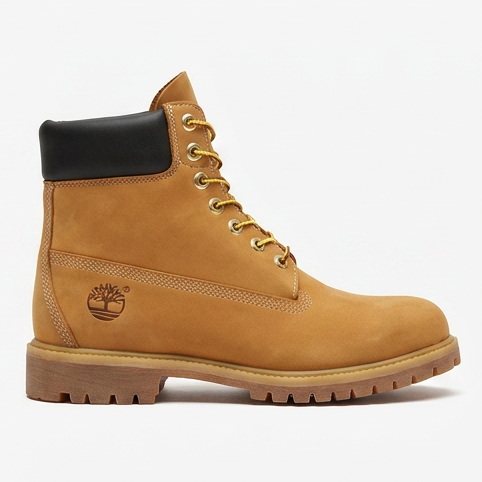

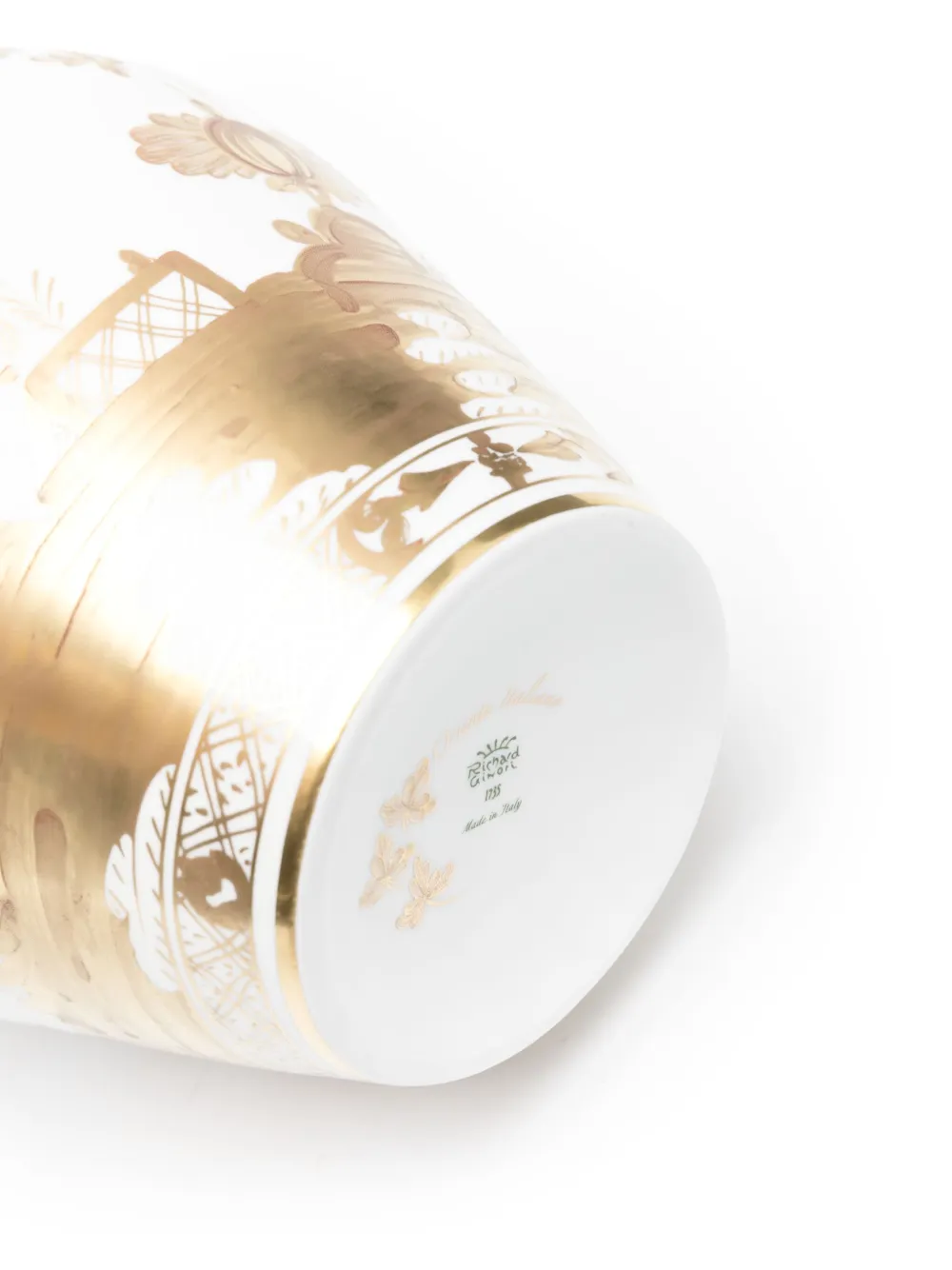
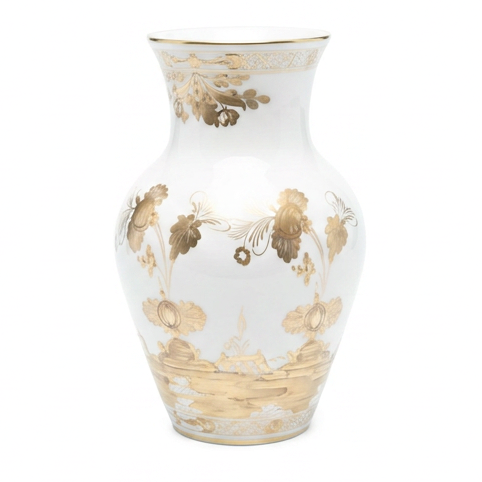
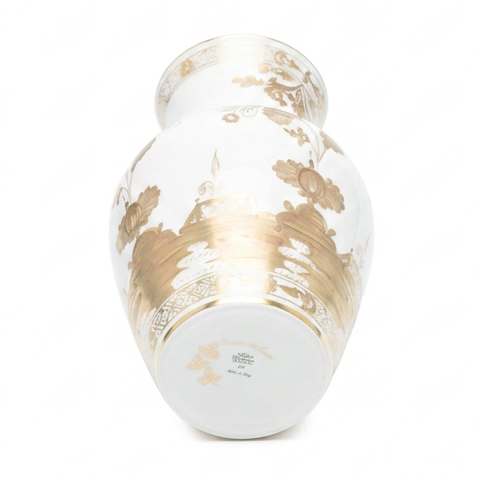
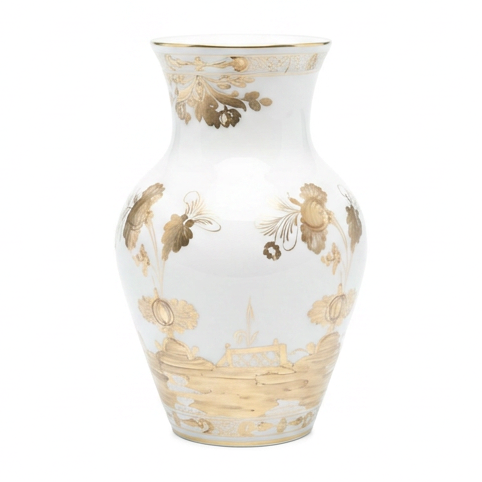
Convert your first image to 3D
Upload one photo and see the model. Built for realism, ready in about 5 minutes. Try it free for 7 days, or make your first one for $2.
Try it free for 7 days with 3 free models (card needed, cancel any time), or make your first model for $2. Try it with a sample photo