Turn a shoe photo into a 3D model shoppers can explore
A shoe photo is flat. A shopper’s decision isn’t. They’re picturing how it looks from the side, how thick the sole is, and how it’ll actually sit on their foot. A 3D model they can explore answers all of that in one interaction, instead of five product photos and a paragraph of copy.
Upload a photo of the shoe. We generate a few angles of it automatically, then build a 3D model from those, usually about 5 minutes. Every model comes with an interactive viewer, export to every format a platform might need, and AR built in, so a shopper can point their phone and see the shoe at real size in their own space, next to their own foot, before they add it to cart.
Where this fits on a footwear product page
- Replace or supplement your image gallery with one interactive model. Shoppers control the angle instead of scrolling through five static photos.
- “View in your space” next to the buy button settles the two biggest hesitations before checkout: size and fit.
- Embed on marketplace listings or upload the GLB directly if the platform already supports 3D. No app install required on the other end.
More real examples
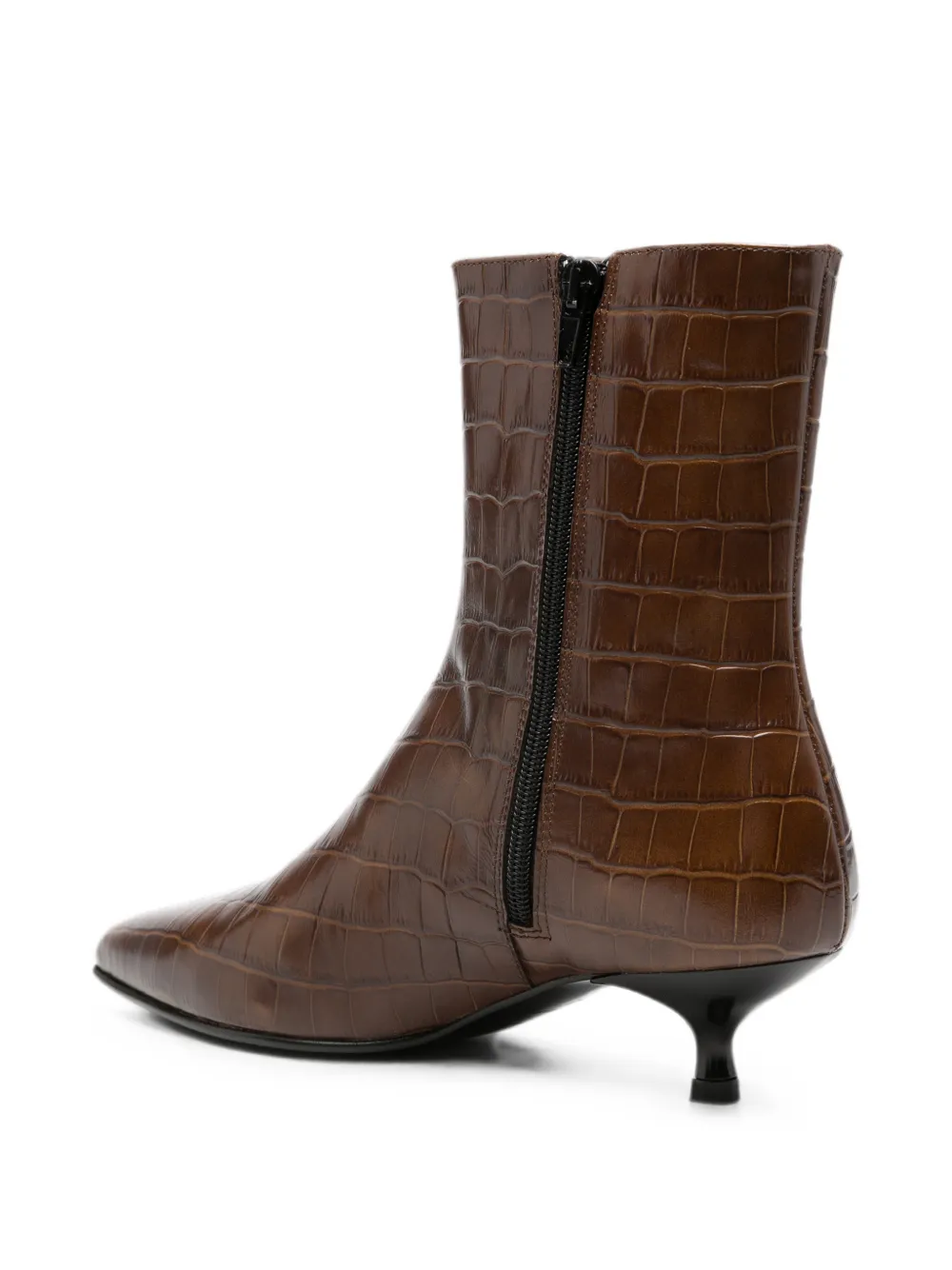

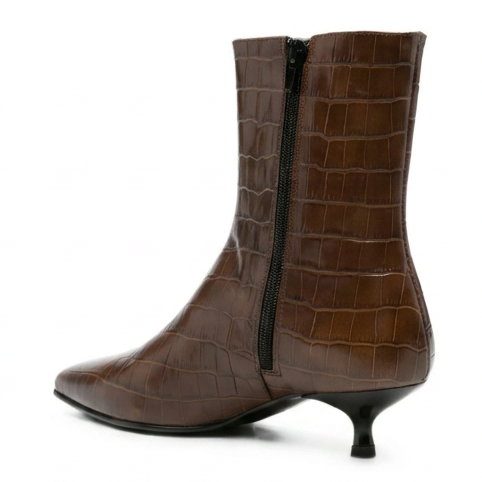
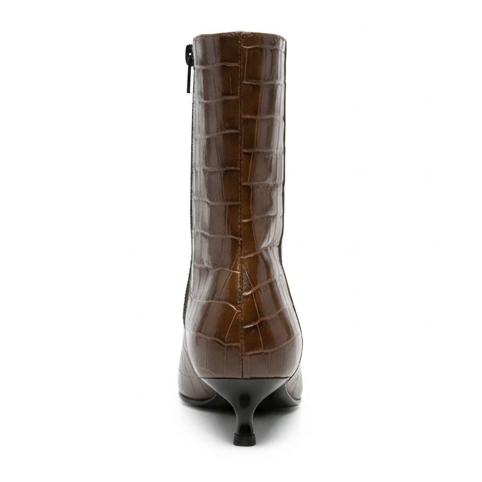
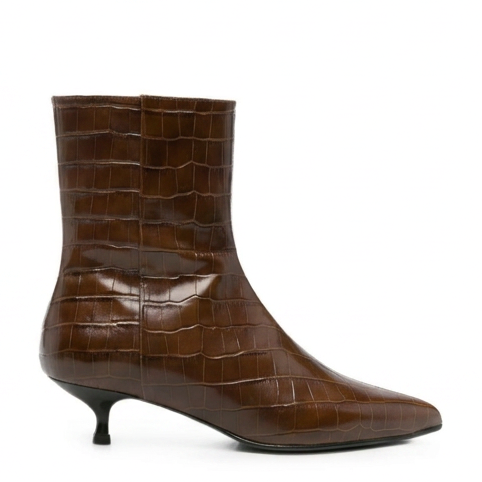
Frequently asked
Will the 3D model show the sole and stitching detail?
Yes. We generate 4 angles of your shoe automatically, so the model captures the sole tread, stitching, and materials, not just the front-facing view from your original photo.
Do I need studio photos of every angle?
No, one clear photo is enough. We generate the other angles for you, then build the 3D mesh from all of them.
Can shoppers see the shoe at real size?
Yes. Every model is AR-ready by default, so a shopper can point their phone and see the shoe at true size on the floor or against their own foot, before they buy.
What file formats do I get?
Export to GLB, GLTF, FBX, OBJ, USDZ, STL, or 3MF. GLB is the one most stores and platforms expect.
Try it with your own product photo
Built for realism. Most models are ready in about 5 minutes. Try it free for 7 days, or make your first one for $2.
Try it free for 7 days with 3 free models (card needed, cancel any time), or make your first model for $2. Try it with a sample photo
Not ready to upload? Watch it run on a sample model first.