What is an STL file?
An STL file is a 3D model saved as a list of triangles that describe its surface. It stores shape only: no colour, no texture, no materials and no unit. It is the standard file for 3D printing, because every slicer reads it, and it was created by 3D Systems in 1987 for the first stereolithography printers.
Drop your STL file here
| Extension | .stl |
|---|---|
| Name | Stereolithography (also read as Standard Triangle Language) |
| Created by | 3D Systems, 1987 |
| Stores | Triangles only |
| Colour and texture | No |
| Units | None stored. Millimetres by convention |
| Variants | Binary and ASCII |
| Opens in | Every slicer, Blender, FreeCAD, Fusion, this page |
What is inside an STL file
Each triangle is written as a normal, the direction its front faces, followed by its three corners as x, y and z numbers. That is the whole format. There are no shared vertices, so two triangles that meet at an edge each store that edge on their own.
Binary STL starts with an 80-byte header and a triangle count, then packs each triangle into 50 bytes. ASCII STL writes the same data as text, with words like facet, vertex and endloop, and is about four to five times larger. Both hold exactly the same shape.
Why 3D printing still uses STL
A slicer needs one thing: the closed surface of the part, so it can cut it into layers. STL describes exactly that and nothing more, which made it easy for every printer, slicer and CAD tool to support. Forty years on, that simplicity is why it still works everywhere.
The cost shows when you want more than shape. An STL has nowhere to store colour for a multi-material print, which part is which, or what size the numbers mean. That is why 3MF was created, and why modern slicers save their projects as 3MF.
How to open an STL file
You do not need to install anything to look at one. Use the viewer at the top of this page, or one of these:
- A slicer, if you plan to print it: Bambu Studio, PrusaSlicer, OrcaSlicer or UltiMaker Cura, all free.
- Blender, free, if you want to edit the mesh.
- FreeCAD or Fusion, if you need to measure it or use it in a CAD model.
Common problems with STL files
Because STL stores triangles one by one, nothing in the format keeps the surface closed. Holes, triangles that face the wrong way and duplicated triangles are common, especially in scans and in models merged from several parts. A slicer may show missing walls or refuse to slice. The STL repair tool fixes the usual cases in your browser.
The other common surprise is size. STL stores numbers without a unit, so a model drawn in inches or metres can arrive in the slicer 25 times too small or 1,000 times too small. Check the dimensions before you print.
Free tools for STL files
Frequently asked
Is STL the same as 3MF?
No. Both describe a 3D model for printing, but STL stores only triangles. 3MF also stores the unit, colours, materials, several named objects and their position on the build plate. Most slicers read both. Use 3MF when you need colour or several parts; use STL when you need a file every tool accepts.
Can an STL file have colour?
Not in the standard. A few programs write colour into the unused bytes of a binary STL, but there are two incompatible ways to do it and most software ignores both. For a colour model, use 3MF, OBJ or GLB.
What unit is an STL file in?
None. The format stores plain numbers. Slicers treat them as millimetres, so almost every STL made for printing uses millimetres. If a model arrives tiny or huge, it was probably exported in inches or metres; scale it by 25.4 or 1,000.
How do I edit an STL file?
For mesh edits, use Blender or Meshmixer, both free. For precise changes, like resizing a hole, an STL is hard to edit because it has no features, only triangles. Go back to the original CAD file if you have it, often a STEP, and export a new STL.
Is it safe to open an STL file?
Yes. An STL file holds only numbers that describe triangles. It contains no code and cannot run anything on your computer.
Other 3D file formats
Need a 3D model, not a file format?
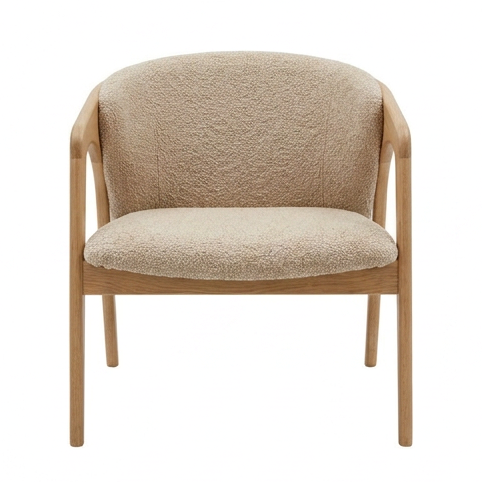
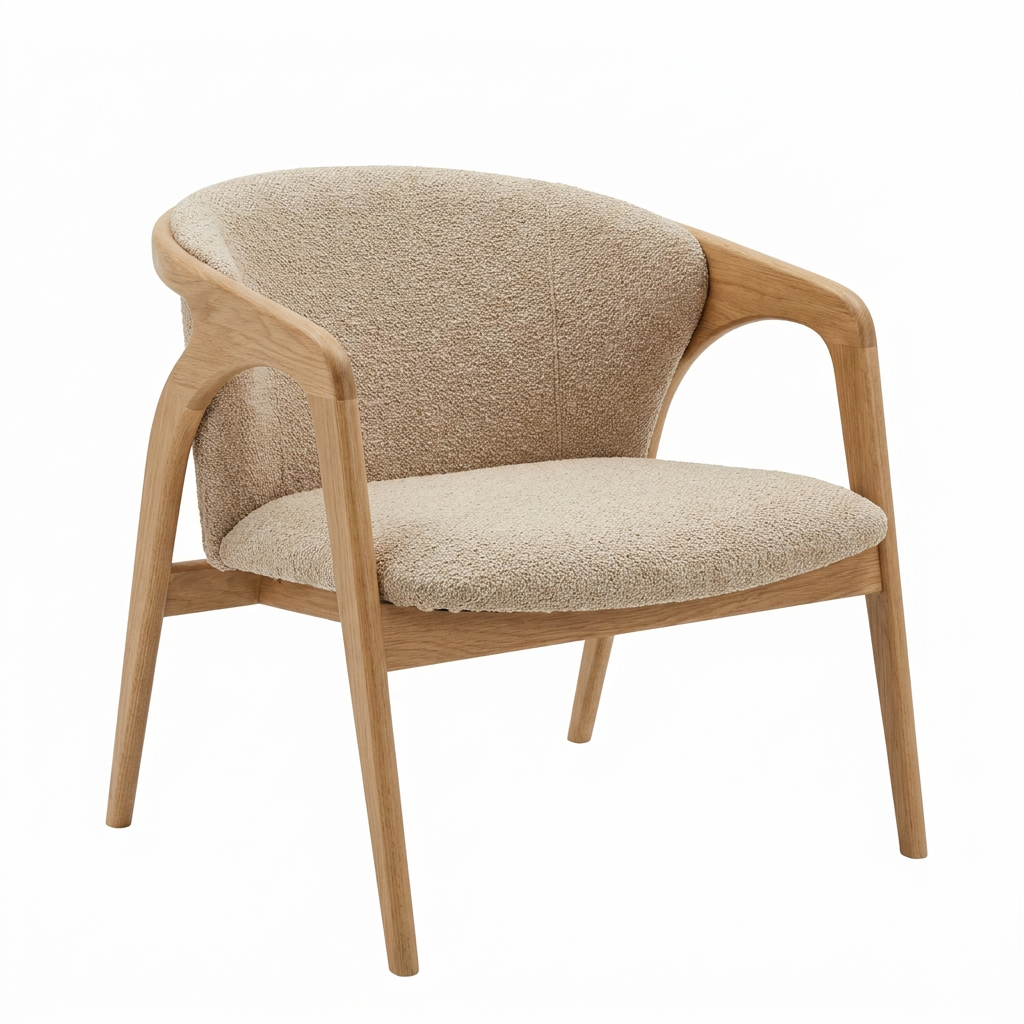
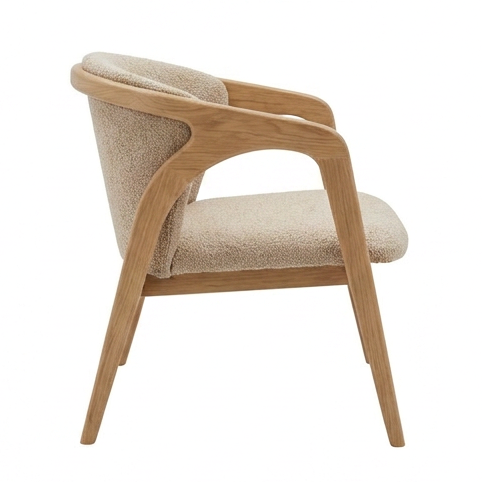
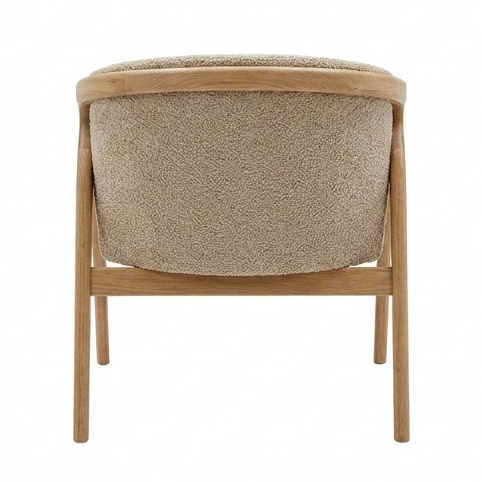
Turn one product photo into a realistic 3D model in about 5 minutes, and export it as GLB, USDZ, FBX, OBJ, STL or 3MF.
Your first model is $2, refunded in full within 14 days if you do not like it. Try it with a sample photo
Made with 2dto3D
See the full gallery



Last updated 2026-11-06