What is an OBJ file?
An OBJ file is a 3D model in the Wavefront OBJ format, a plain-text list of vertices, texture coordinates, normals and faces. Almost every 3D program reads it. Materials and textures live in a separate .mtl file and image files beside it, and the format has no unit and no animation.
Drop your OBJ file here
| Extension | .obj (with .mtl for materials) |
|---|---|
| Name | Wavefront OBJ |
| Created by | Wavefront Technologies, for its Advanced Visualizer |
| Stores | Vertices, UVs, normals, polygons, groups |
| Materials | In a separate .mtl file |
| Units | None stored |
| Opens in | Blender, Maya, 3ds Max, ZBrush, slicers, this page |
What is inside an OBJ file
Open an OBJ in a text editor and you can read it. Lines that start with v are vertex positions, vt are texture coordinates, vn are normals, and f are faces that list which vertices they join. Faces can have any number of corners, not only three, which is one reason modellers like it.
A line that starts with mtllib names the .mtl file, and usemtl lines say which material each group of faces uses. The .mtl file in turn names the texture images.
Why the textures go missing
Because an OBJ model is often three or more files, the .mtl or the images get left behind when someone sends only the .obj. The model then opens with no colour. To keep everything in one file, convert to GLB, which packs geometry and textures together.
How to open an OBJ file
Use the viewer at the top of this page to see the shape. Blender, free, imports OBJ with its .mtl and textures if they are in the same folder. Slicers such as PrusaSlicer and Cura also open OBJ for printing.
Free tools for OBJ files
Frequently asked
OBJ or STL for 3D printing?
Both work in most slicers. STL is the safer choice because every printer tool reads it. OBJ is useful when a slicer can use its colours, which some multi-colour workflows do.
Does OBJ support animation?
No. OBJ stores one static shape. For animation, use FBX or glTF (GLB).
Why is my OBJ file so large?
It is plain text, so every number is written out in characters. The same mesh is often three to five times larger than a binary format like GLB or STL. Compressing it as a zip helps a lot.
Other 3D file formats
Need a 3D model, not a file format?
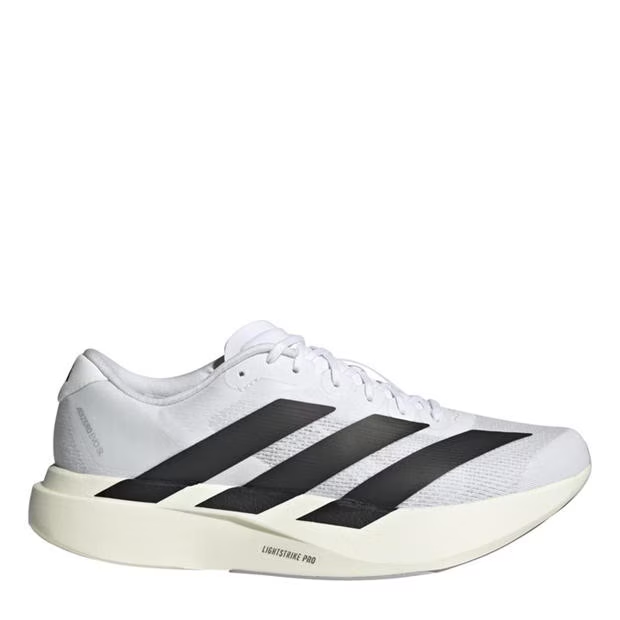
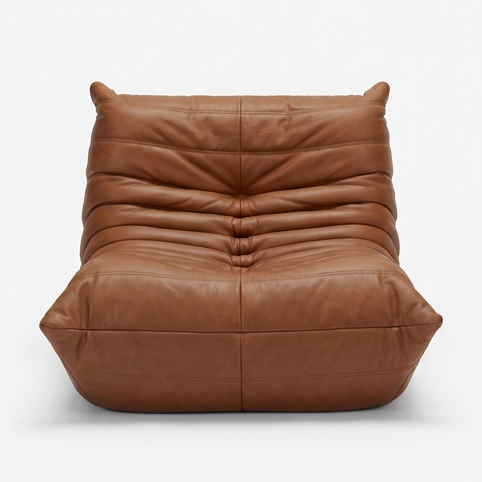
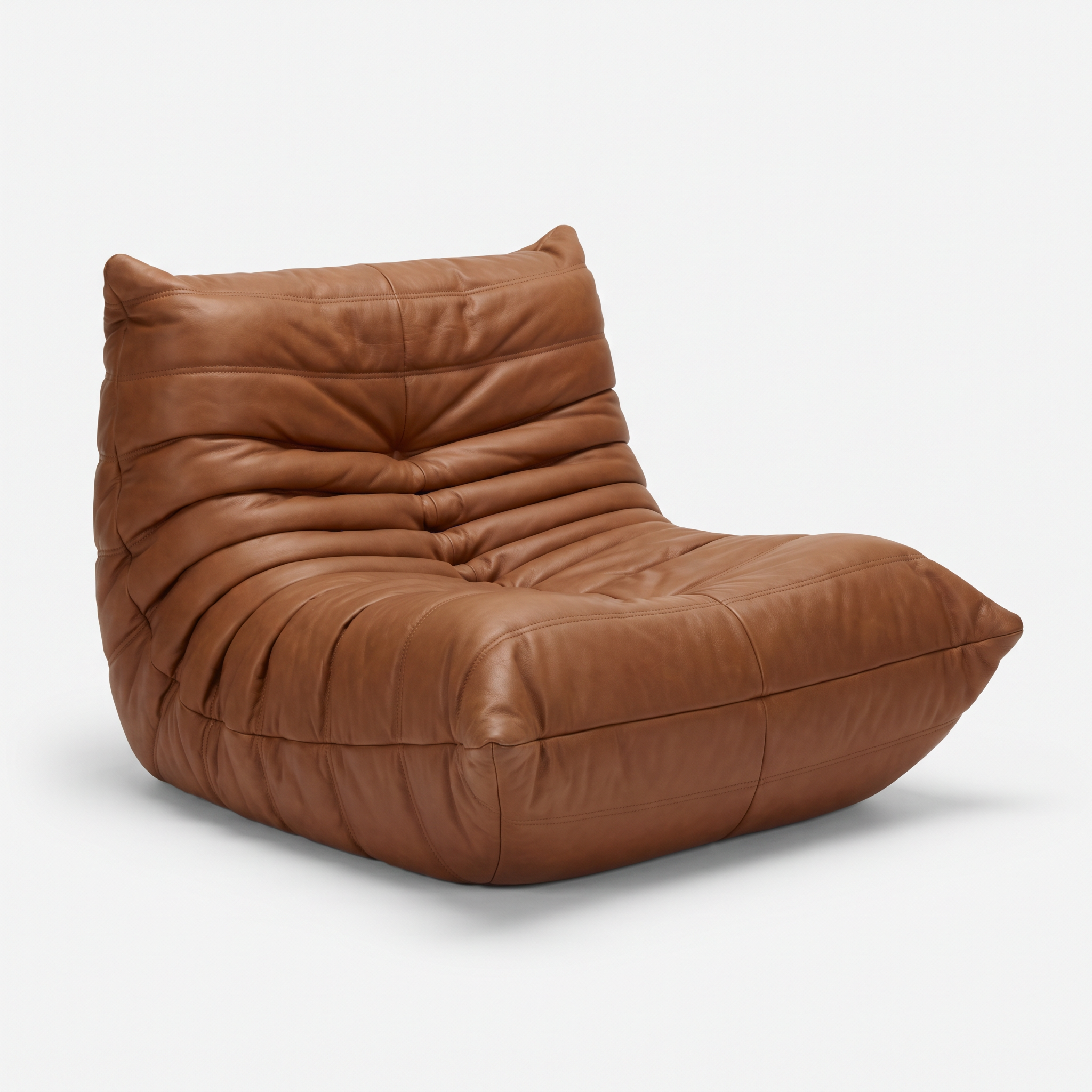
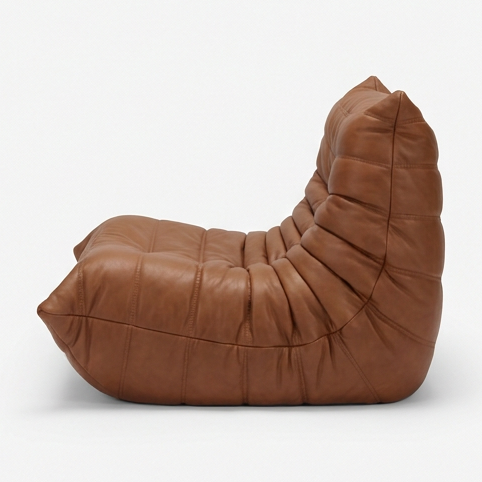
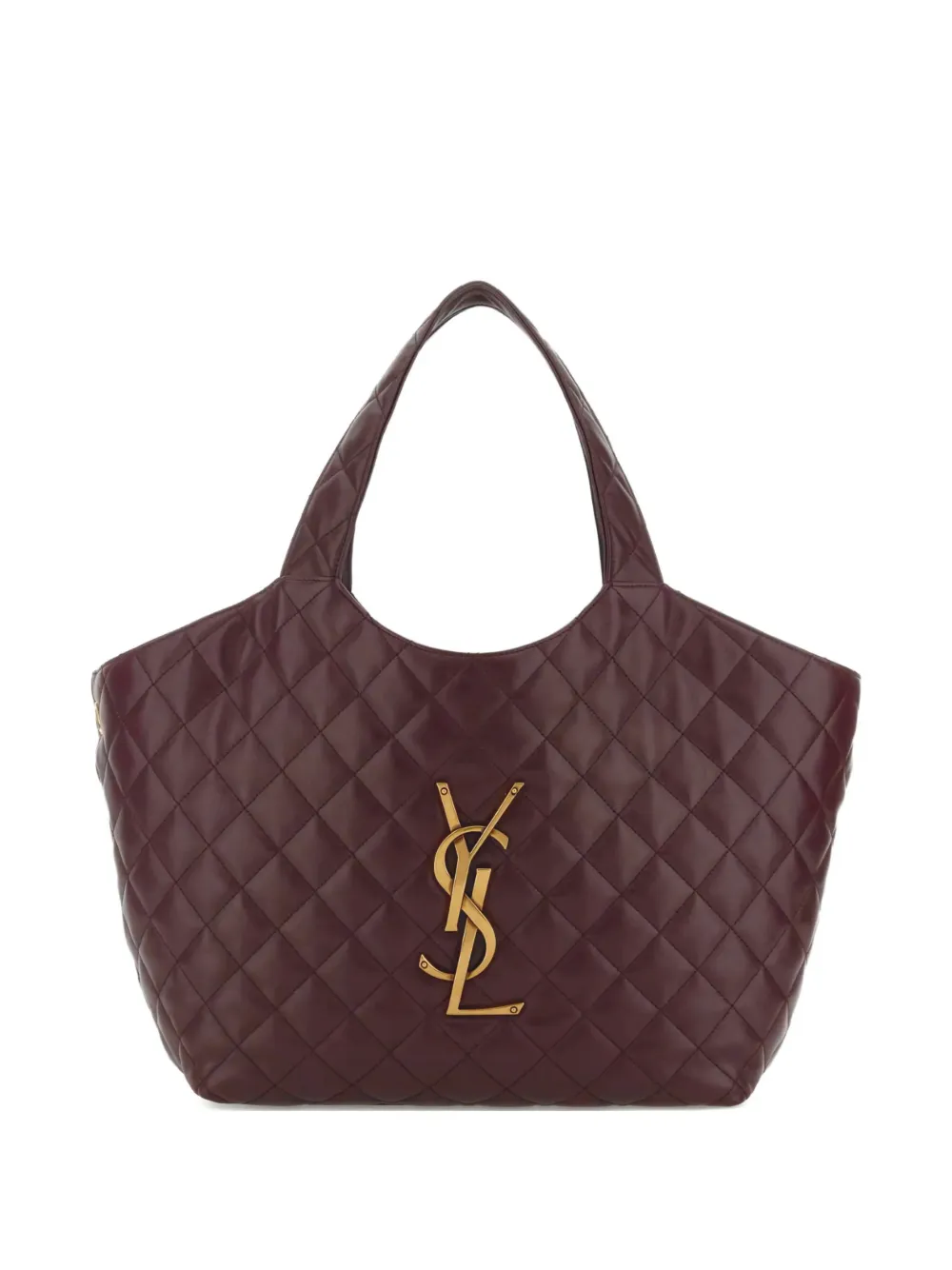
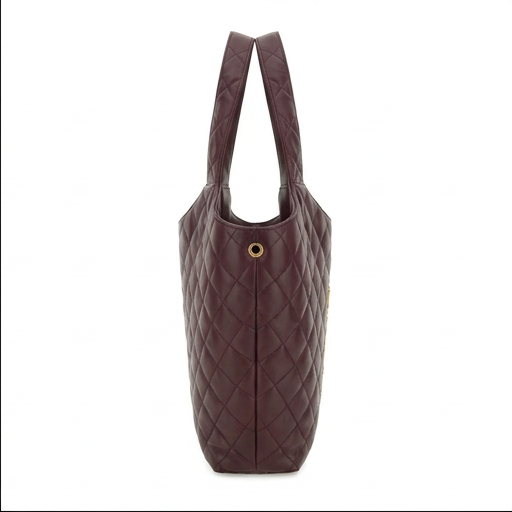
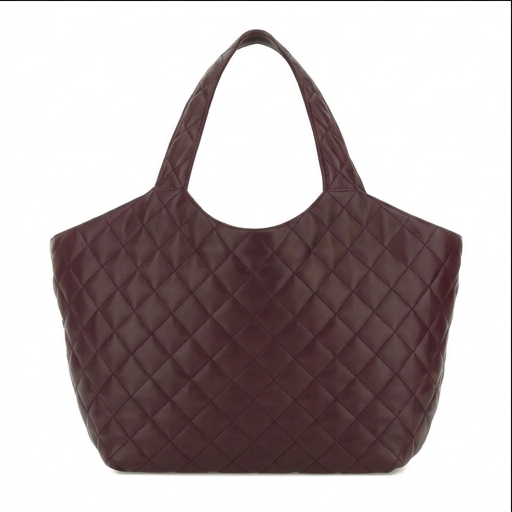
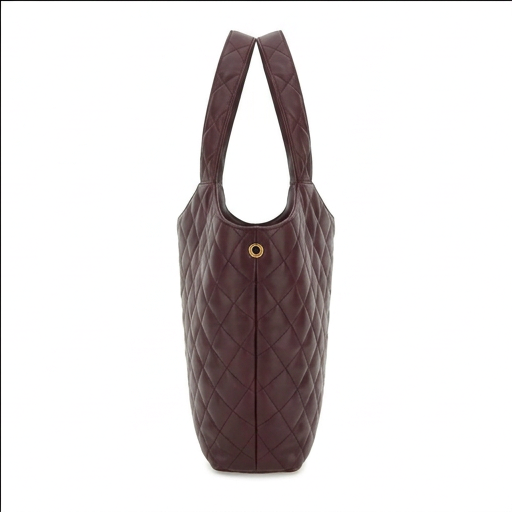
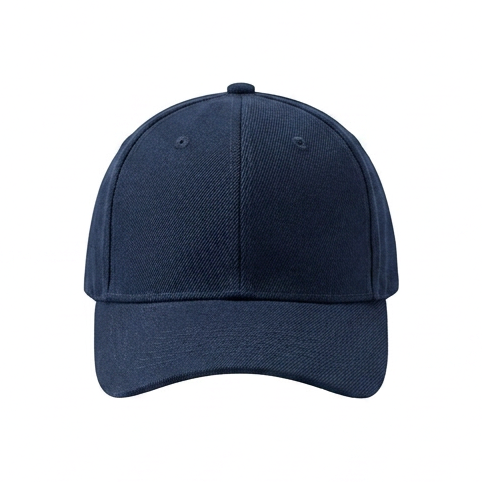
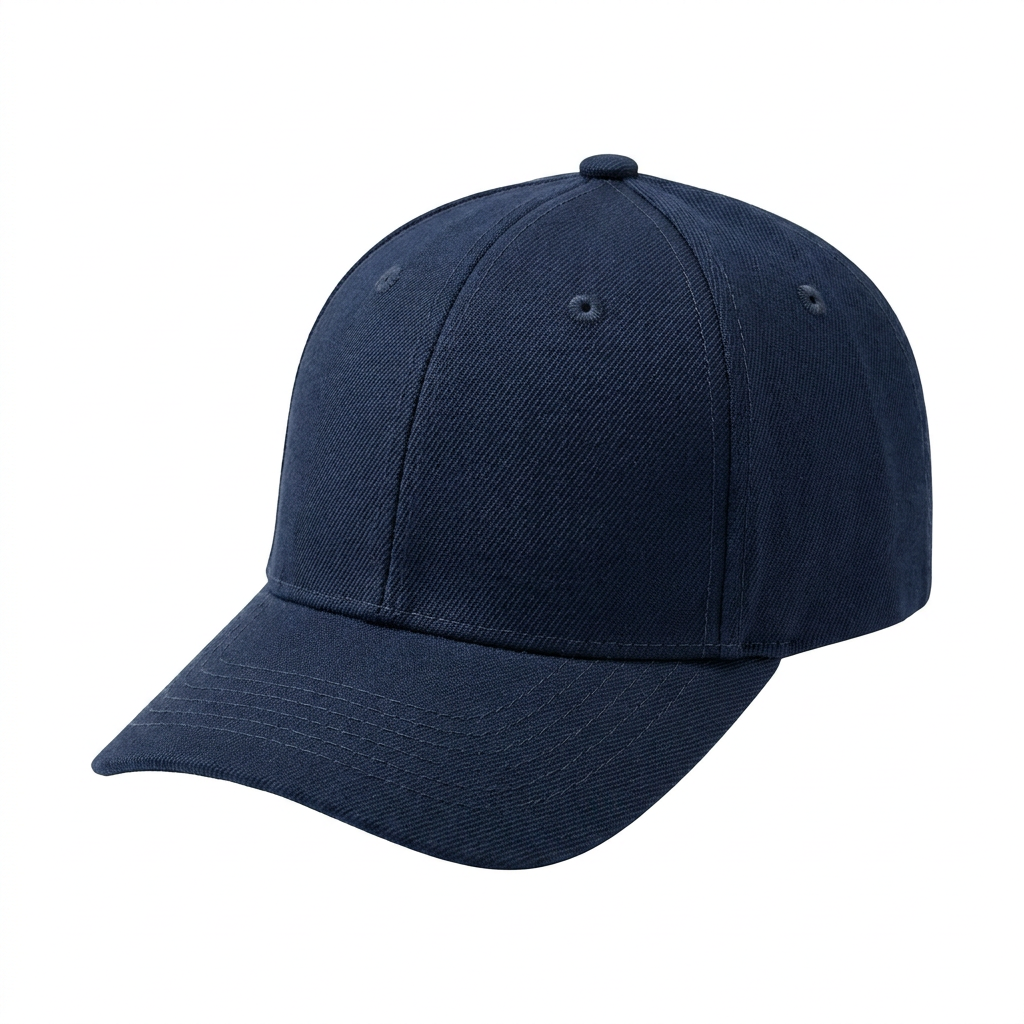
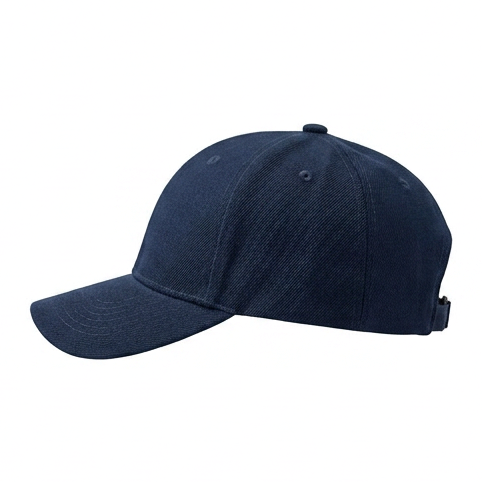
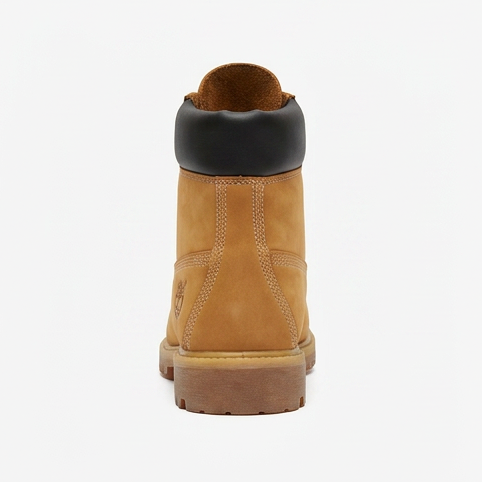
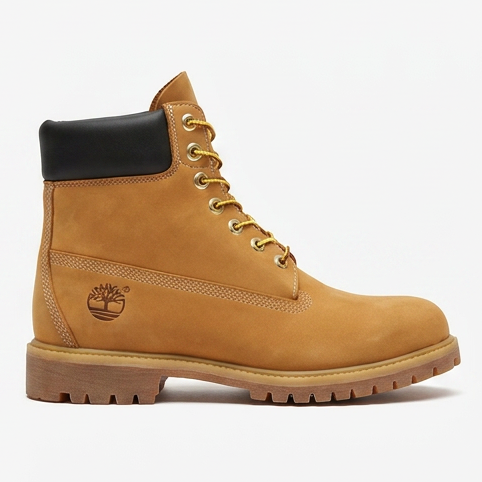
Turn one product photo into a realistic 3D model in about 5 minutes, and export it as GLB, USDZ, FBX, OBJ, STL or 3MF.
Your first model is $2, refunded in full within 14 days if you do not like it. Try it with a sample photo
Made with 2dto3D
See the full gallery



Last updated 2026-11-06