Photo to 3D vs photogrammetry
Photogrammetry rebuilds an object by measuring it across dozens or hundreds of photos. Single-photo generation reconstructs it from one image in about 5 minutes. They fail in opposite places, which makes the choice clearer than it first looks.
Facts on this page checked 2026-08-20. If something is out of date, tell us: support@2dto3d.app
The short version
Choose photogrammetry if
- Dimensional accuracy matters: the model must measure like the object
- You need THIS exact unit, with its wear, damage or surface history
- The object is matte, textured and you control the capture session
- Heritage, VFX, surveying, reverse engineering
Choose single-photo generation if
- You start from photos you already have, including studio packshots
- You need catalog scale: many products, $2 and 5 minutes each
- The product is shiny, glass or polished, where photogrammetry breaks
- The goal is showing the product: viewer, AR, embed, exports included
How each one actually works
Photogrammetry is measurement. You photograph the object from every side, 30 to 200 or more overlapping frames, and software like RealityCapture or Metashape finds the same surface features across frames, solves where each camera stood, and triangulates a dense point cloud that becomes a mesh. Everything in the result was observed. That is its strength and the source of all its demands: the capture session, the lighting control, the processing time, and the cleanup pass for holes and floating debris.
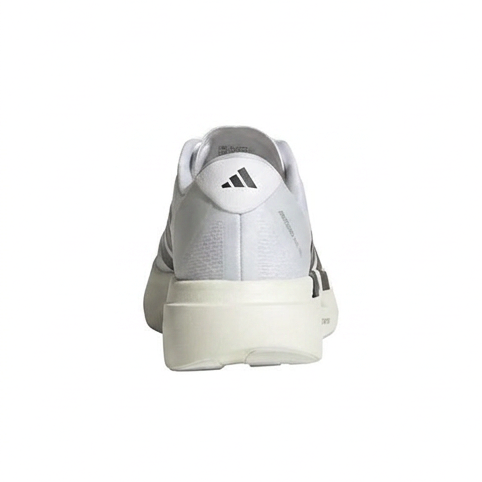
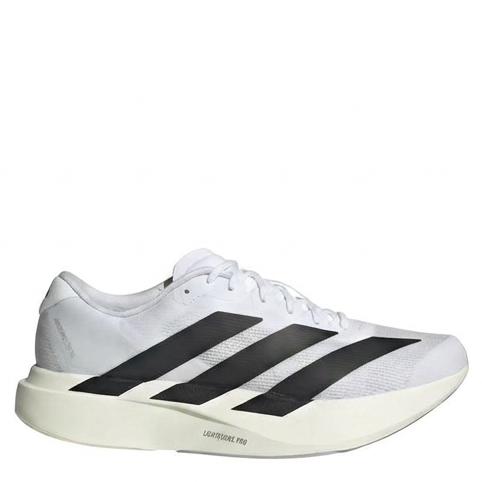
Single-photo generation is reconstruction. You provide one image; the pipeline identifies the object, generates the views the camera never captured, and builds a textured mesh from all of them, scaled to the object's typical real-world size. The sides you did not photograph are inferred from what the object is, not measured. On a product with a predictable back, a sneaker, a chair, a jar, that inference is very good. It is still an inference, and this page would be lying if it called it anything else.
Side by side
| Property | Photogrammetry | Single-photo generation |
|---|---|---|
| Input | 30 to 200+ overlapping photos, controlled capture | One photo, packshots included |
| Time per object | Hours, including capture, processing and cleanup | About 5 minutes |
| Geometry | Measured; dimensionally trustworthy | Reconstructed; faithful-looking, scaled to typical size |
| Unseen sides | None; everything must be photographed | Generated from the visible evidence |
| Shiny and transparent objects | Classic failure case | Handled; reflective products are routine |
| Plain-background packshots | Unusable; the solver needs features | The ideal input |
| Cost per object | Mostly labor and gear | $2 |
| Output cleanup | Usually required: holes, floaters, retopology | Rarely; a failed generation retries free |
They complement more than they compete
The failure modes are almost perfectly opposite. Photogrammetry needs many photos, texture everywhere, and matte surfaces; it rewards you with measured truth. Single-photo generation needs one decent image and does not care about gloss; it rewards you with speed, scale and a model built to be shown. A studio that digitizes a whole catalog with generation and reserves a photogrammetry session for the one object a client needs measured is using both correctly.
Whichever method produced your mesh, the free browser tools here open and convert it: photogrammetry outputs drop straight into the OBJ viewer or convert to STL for printing, no account needed.
Common questions
Is single-photo 3D generation as accurate as photogrammetry?
Not in the measured sense, and it does not claim to be. Photogrammetry computes geometry from many real observations, so dimensions are trustworthy. A single-photo model reconstructs the sides the camera never saw, so it is a faithful-looking model of the product, not a measurement of one specific unit. For selling, that is usually exactly enough; for engineering, it is not.
How many photos does photogrammetry need?
Typically between 30 and 200 or more overlapping photos of the object from every angle, with consistent lighting and enough surface texture for the software to match features between frames. That capture session, plus processing and mesh cleanup, is where the hours go.
Why does photogrammetry fail on shiny or transparent products?
It works by matching the same surface points across many photos. Reflections move when the camera moves and glass shows what is behind it, so those points do not stay put and the reconstruction breaks. Jewelry, bottles, and polished metal are the classic failures. This is a physics limit of the method, not a software bug.
Can I use a studio packshot for photogrammetry?
No. One photo cannot drive photogrammetry at all, and even a set of packshots on a plain background gives the solver almost no background features to anchor camera positions. A packshot is, however, exactly the right input for single-photo generation, which is why the two methods complement rather than replace each other.
Which method should an online store use?
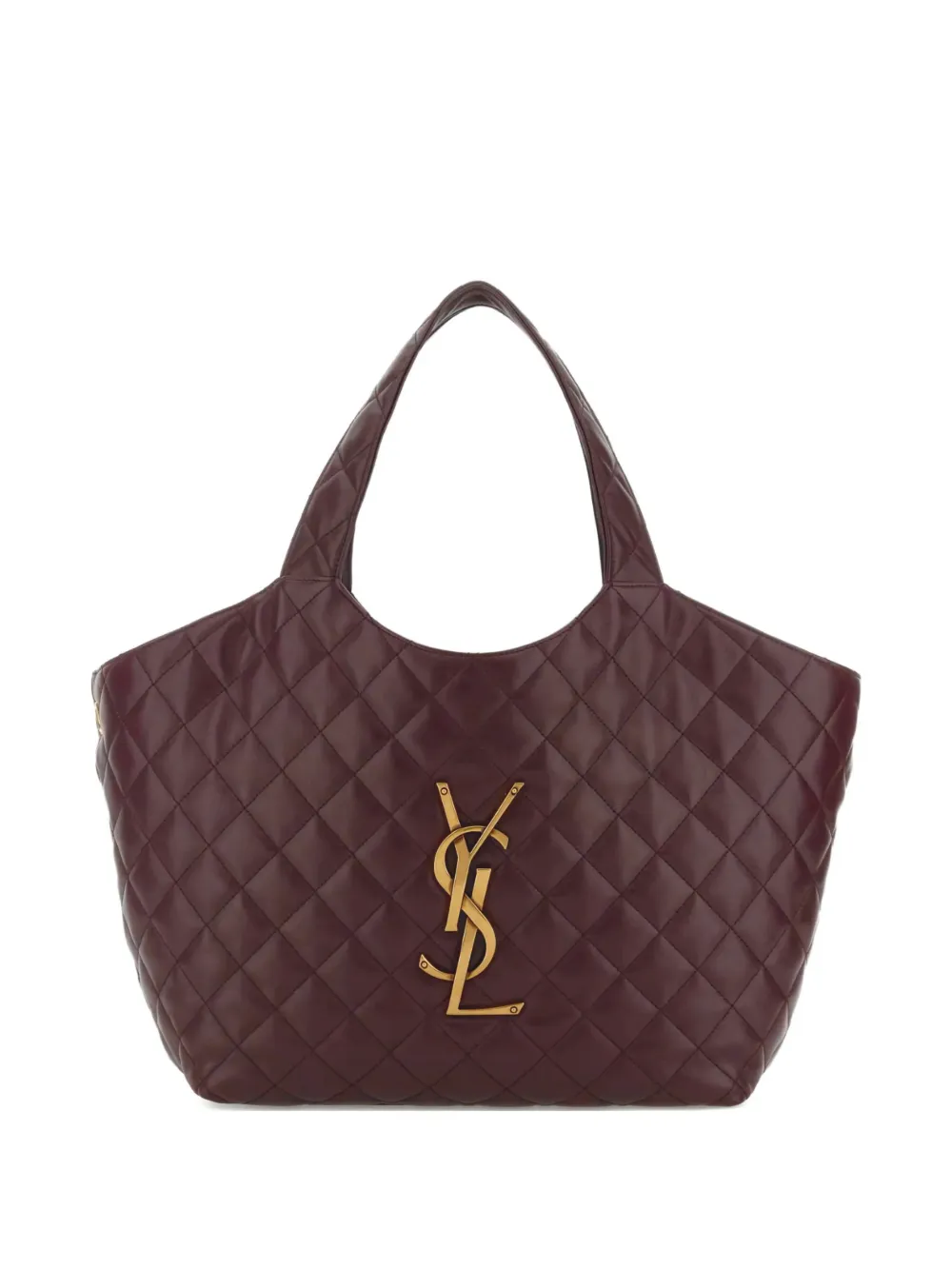
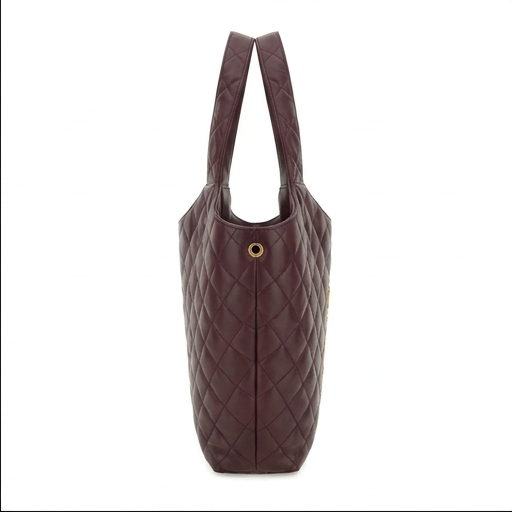
For catalogs, single-photo generation: it works from the product photos you already have, costs $2 per model, and scales to hundreds of items without a capture rig. Photogrammetry earns its effort when a single hero object must be dimensionally exact, or when the exact wear and surface of one specific physical unit is the point.
What does each method cost?
Photogrammetry's cost is mostly labor and gear: a camera or rig, a controlled capture session, processing time, and mesh cleanup, often hours per object even with free software. Single-photo generation on 2dto3D is $2 per model and about 5 minutes, because the capture session is the photo you already took.
Made with 2dto3D
See the full gallery
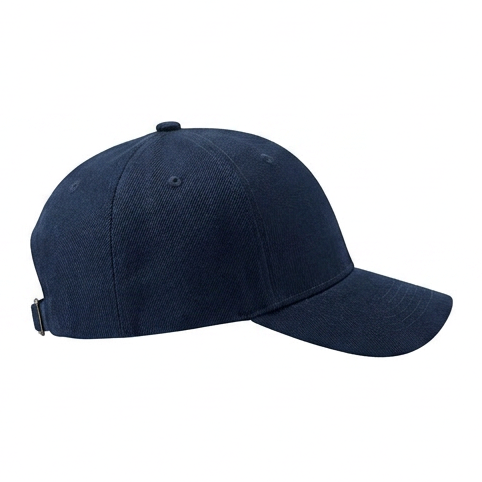
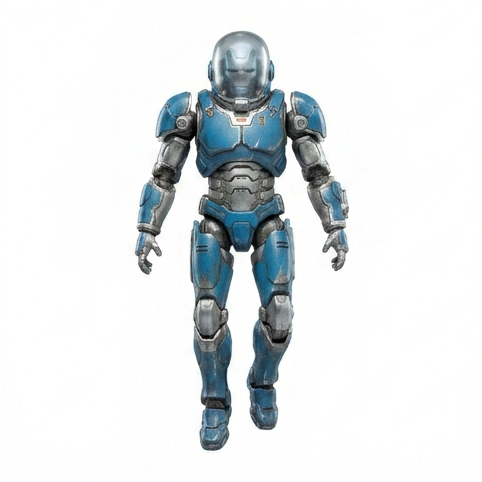
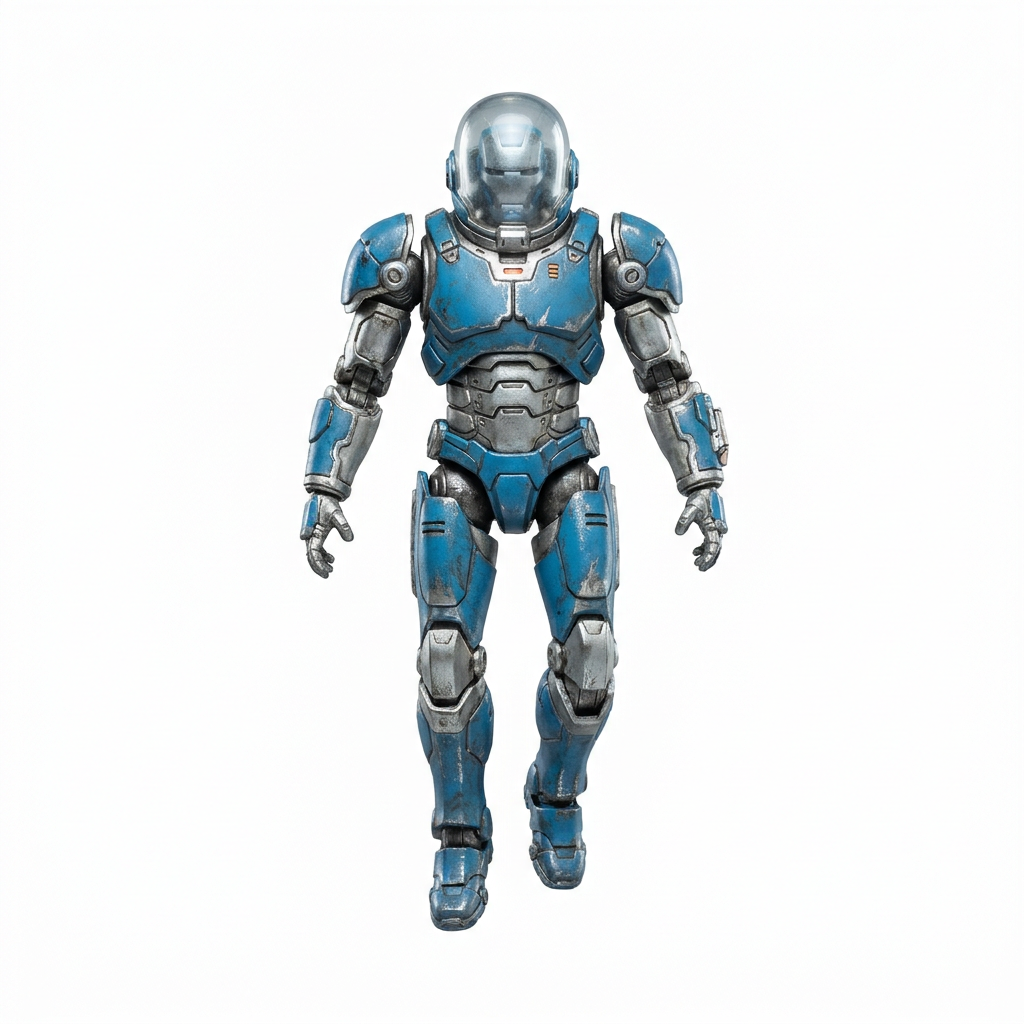
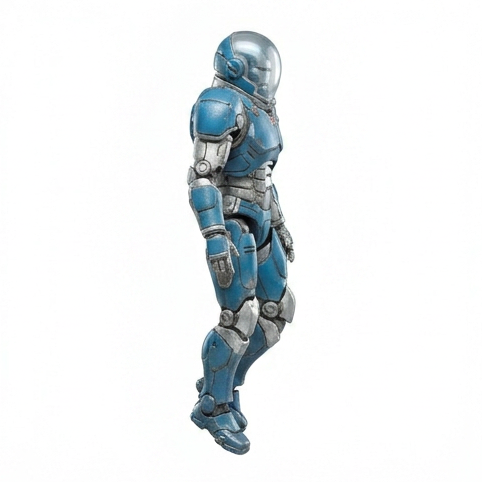
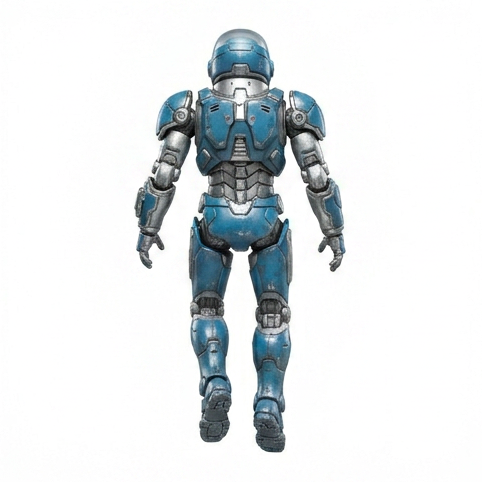
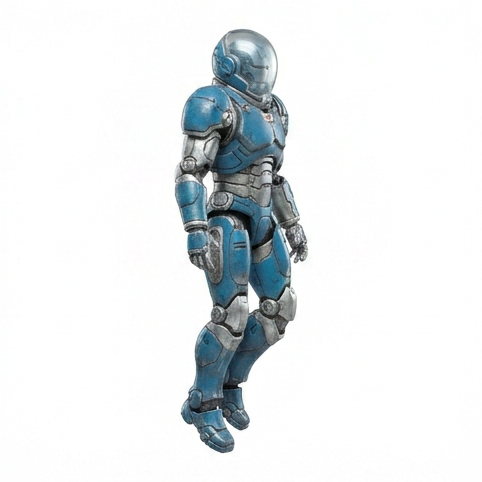

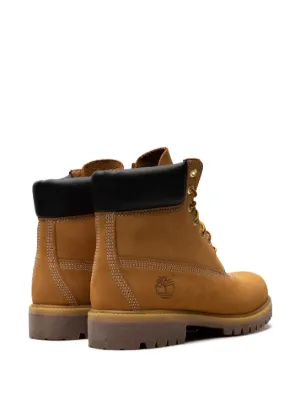
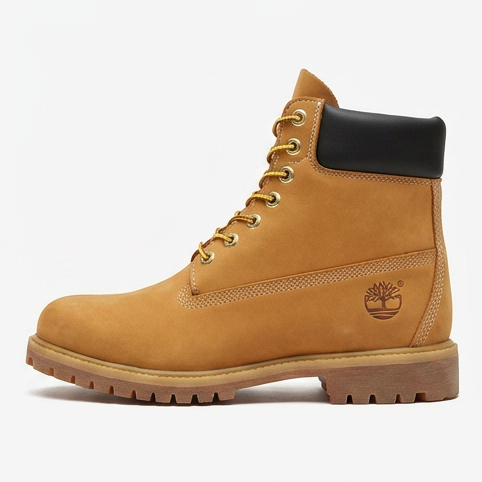



See it on your own product
The only comparison that settles anything is your photo through the pipeline. Your first model is $2, refundable in full within 14 days if you do not like it, and there is no subscription to cancel afterwards.